
This is the twelfth original article on aogl.cn, sourced from original/sky-plane/. The folder documents a airliner window + high-altitude cloudscape study: lock modern cabin window geometry (frame layers, sidewall texture, seat 14A labeling, shade control at the sill), mount a golden-hour sea of clouds plate behind the glass, then export two MP4s to see whether exposure and edges still read as a real cruise-altitude view. It is not airline marketing and not an editing-app tutorial—only file roles, composite boundaries, and how this differs from the site’s train window demo.
What is in the folder
plane1.png— cabin side view: full window, sidewall “14A” and no-smoking plaque, front seat back; black glass placeholder with a shade/dimming control at the bottom railplane2.png— window close-up: layered rounded frame and textured panel, black glass for tight crops or vertical coverssky.png— exterior plate: cloud sea + anvil tower at sunrise/sunset color temperaturesky-plane-video.mp4— main interior + exterior composite recordingsky-video2.mp4— second export comparing frame edges and white balance
Headings and captions use honest phrases such as airplane window view, above the clouds, cabin window composite, and passenger POV aerial—each mapped to real filenames.
Why an airplane window instead of a standalone cloud photo
sky.png already works as wallpaper: rolling cumulus, warm horizon glow, a tall anvil formation on the left. Without a cabin frame, search engines and humans file it under “landscape photography.” Add plane1.png and the story becomes a traveler in 14A looking out—contrasting with in-car-view, where ground-level motion blur sells rail speed. The aircraft version emphasizes altitude and stratospheric scale; the exterior plate can drift slowly without grass streaks at the bottom.
Black-glass templates mark the only pixels you replace so cloud art does not cover rivet lines or seat placards.
Interior template: plane1.png
The side view targets an economy window seat: window centered, seat and “14A” on the right. Reading light and air vent hints at a sealed cabin, not a drone shot. Black glass means “composite me,” not “it was midnight outside.” The sill button suggests electronic dimming (787-style UX as a visual symbol, not a type certificate claim).
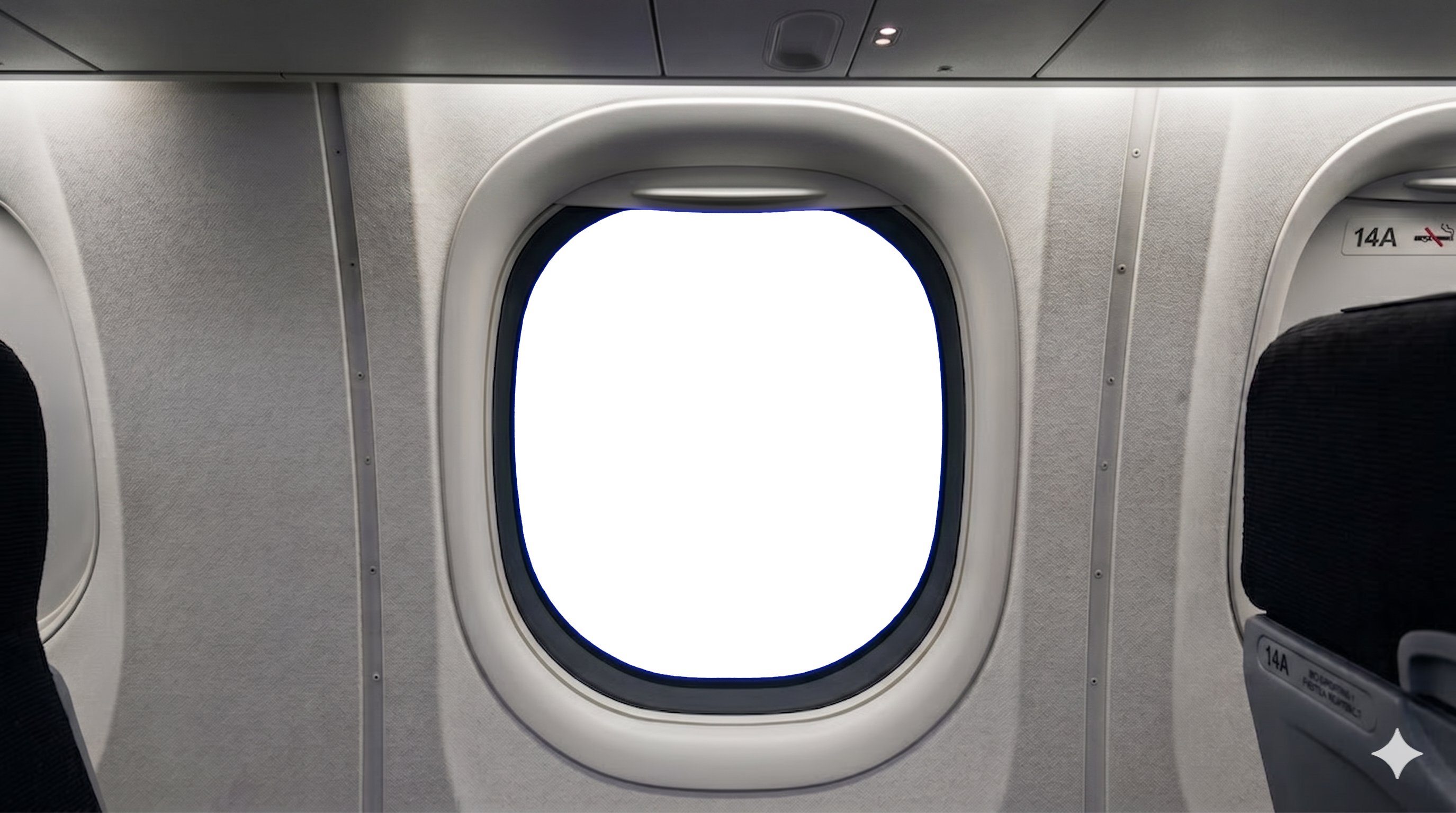
plane1.png — cabin side template; glass area is the composite target.Frame close-up: plane2.png
plane2.png drops the seat story and keeps window mechanics: double bezel, fabric sidewall, bottom control. Use it for social verticals, a second in-article figure, or the poster for sky-video2.mp4.
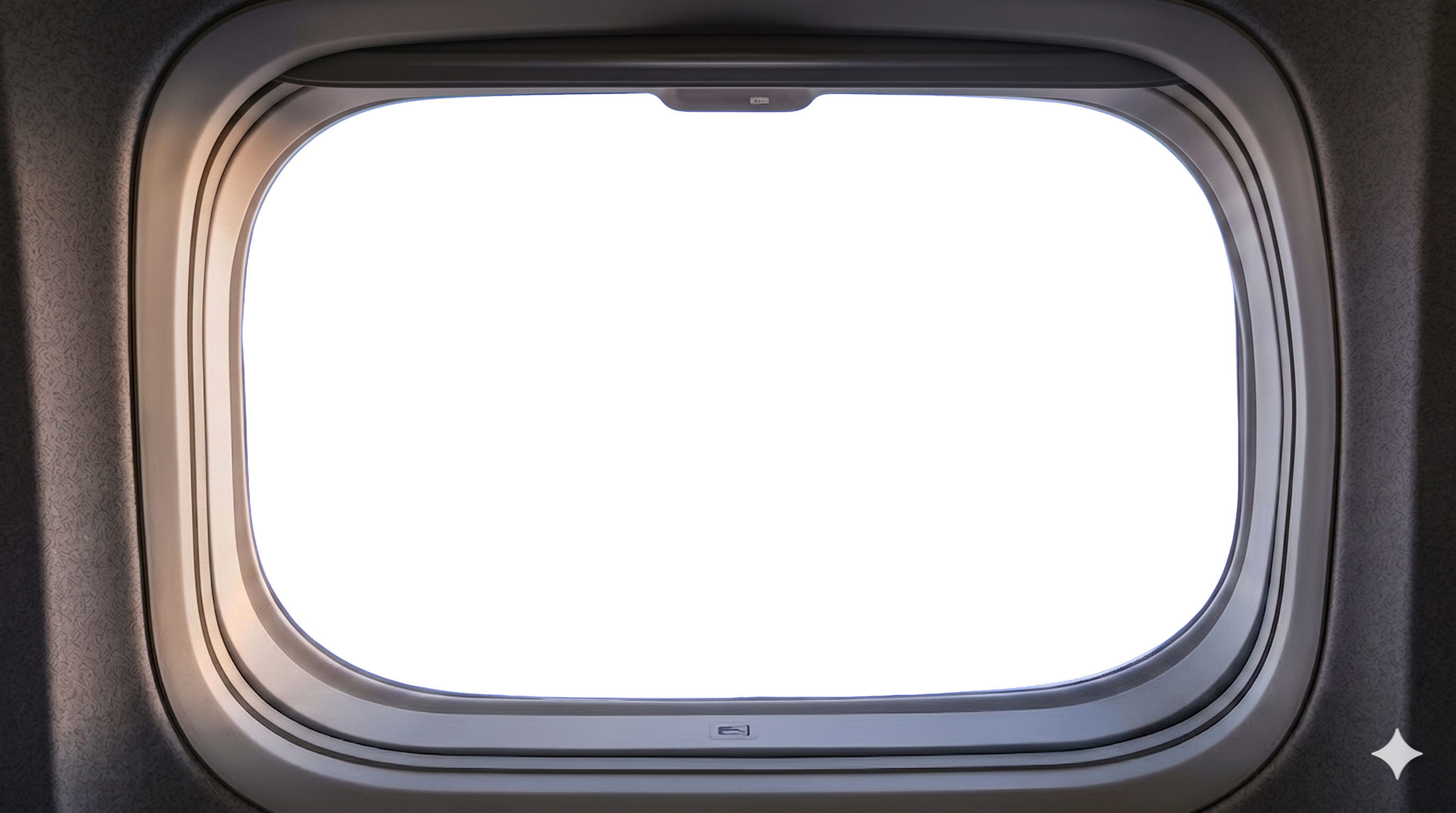
plane2.png — frame detail, black glass preserved.Exterior plate: sky.png
A wide high-altitude plate: bright foreground fluff, mid-level cloud waves, left anvil tower, warm orange near the right horizon. No wing in frame so any window template fits without rotoscoping. Grade warm outside and cool-grey inside to mimic eye adaptation to bright clouds.
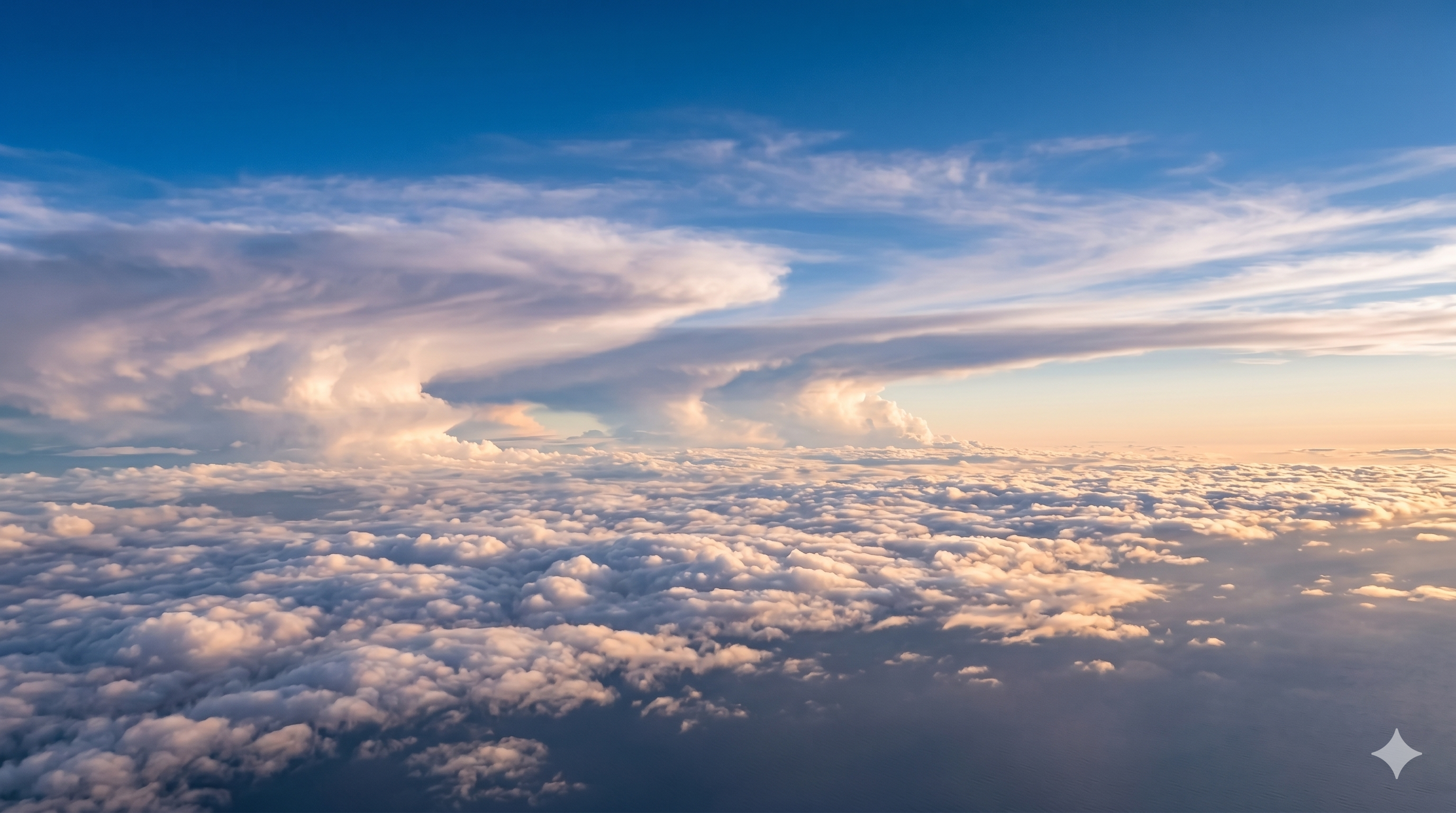
sky.png — golden-hour cloud sea for window inserts.Main video: sky-plane-video.mp4
Video reveals mullion flicker and whether cloud motion feels like cruise speed. The main MP4 pairs cabin templates with sky.png on the timeline; pause on bright cloud rims to check glass reflection levels.
sky-plane-video.mp4 — primary composite capture.Iteration: sky-video2.mp4
sky-video2.mp4 logs a second export—maybe the close-up frame or a warmer grade—not a separate product. Same habit as the three MP4 trials in role-girl card visual study.
sky-video2.mp4 — pass 2: frame or color tweaks.Publishing, accessibility, and search
Embeds use controls, playsinline, and preload="metadata". Stills include descriptive alt text with filenames. JSON drives title and meta description; body copy repeats topics in visible h2 elements. Submit the article URL in Search Console—MP4s remain assets, not separate landing pages.
The article JSON sets heroImage to sky.png so Open Graph and the home carousel show the cloud sea first; cabin templates appear in-body where context matters. That ordering helps social previews read as “aerial travel” while the page still explains the two-plane composite workflow for developers forking the folder.
If you mirror this pack on a CDN, keep filenames identical (plane1.png, not plane-1.png) so relative links in translated HTML do not break across locales.
Boundaries vs train window, 360°, and planets
In-car-view uses ground motion blur; sky-plane uses slow cloud drift. Apartment 360° is interior equirectangular; major-planets8 is planetary maps—all separate carousel lanes on the home page.
What I did not ship
No airline branding, flight numbers, ADS-B tracks, or claims that seat 14A matches a real layout. Clouds are illustrative, not meteorological records. Commercial aviation ads need your own clearances.
Reuse checklist
- Keep black-glass cabin templates (
plane1,plane2) separate fromsky.png. - Match window perspective; brighten exterior more than cabin walls; add subtle inner-frame reflection.
- Ship one main MP4 plus one labeled iteration and an 800+ word note like this for SEO.
Store assets under original/sky-plane/ with relative embed paths so GitHub Pages and local WAMP stay aligned.