
This page documents an original front-end parallax study I keep under original/travel-through/ on aogl.cn. The goal is a compact “hero” block that feels like a phone mockup with a character stepping through the glass—achieved with three stacked PNG layers and mouse-driven translation, not WebGL or a game engine. Everything runs in the DOM: transform-style: preserve-3d on a scene root, per-layer data-depth multipliers, and a small requestAnimationFrame loop that eases pointer input so motion feels weighted rather than jittery.
Try the live scene
Move your pointer inside the frame below (desktop). Each layer shifts by a different amount; a custom dot cursor follows the pointer while you are inside the box. On touch-only devices the scene still renders, but parallax is intentionally mouse-first for this prototype.
parallax_phone_scene.html — three PNG layers, smoothed mouse parallax.Layer stack (back to front)
I export art as separate PNGs so depth can be tuned in code without re-painting. The depth values below are the data-depth attributes in the demo; larger numbers move more for the same pointer delta.
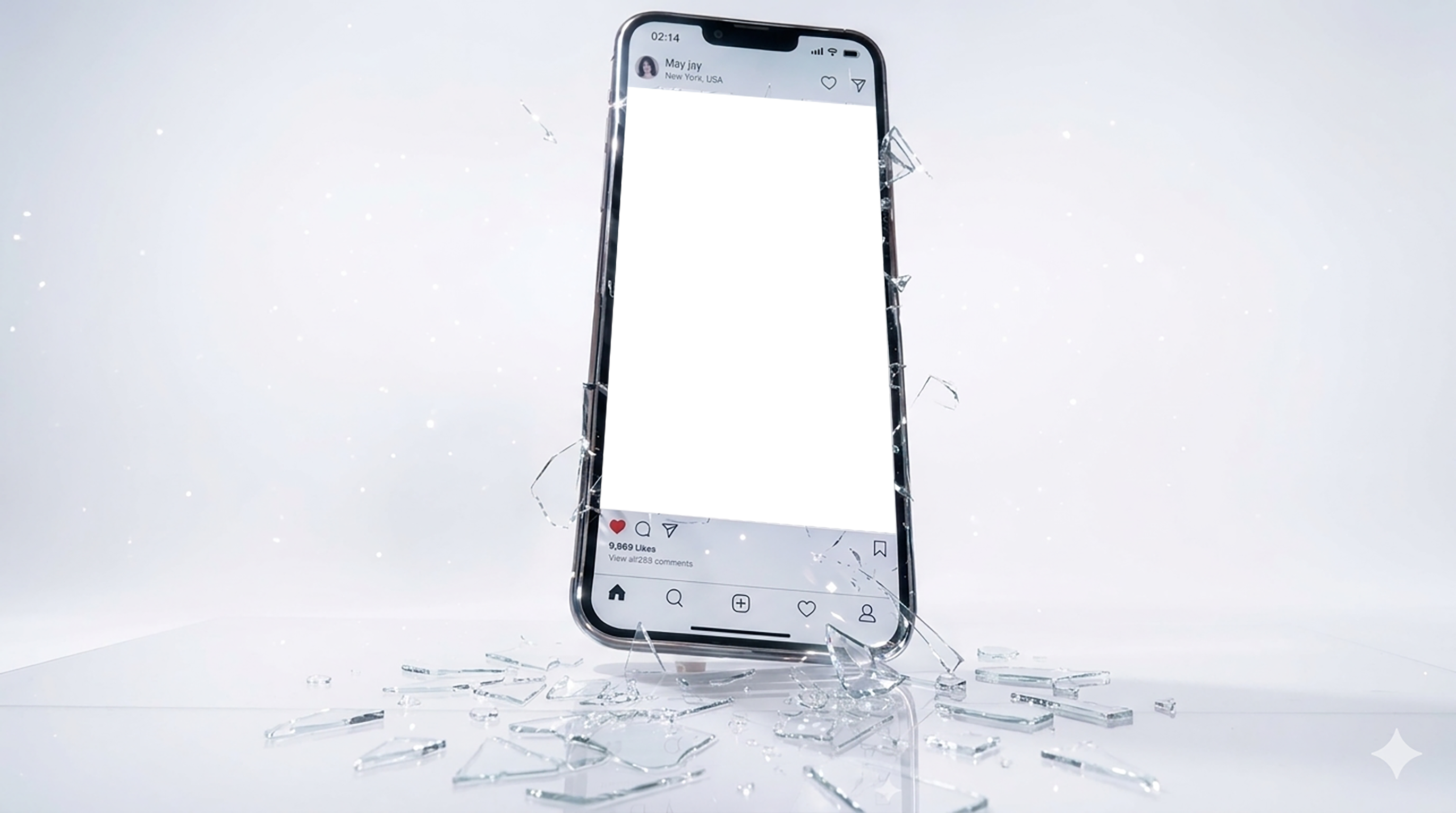
Mobile-phone-background.png: full-frame phone / environment plate (moves subtly).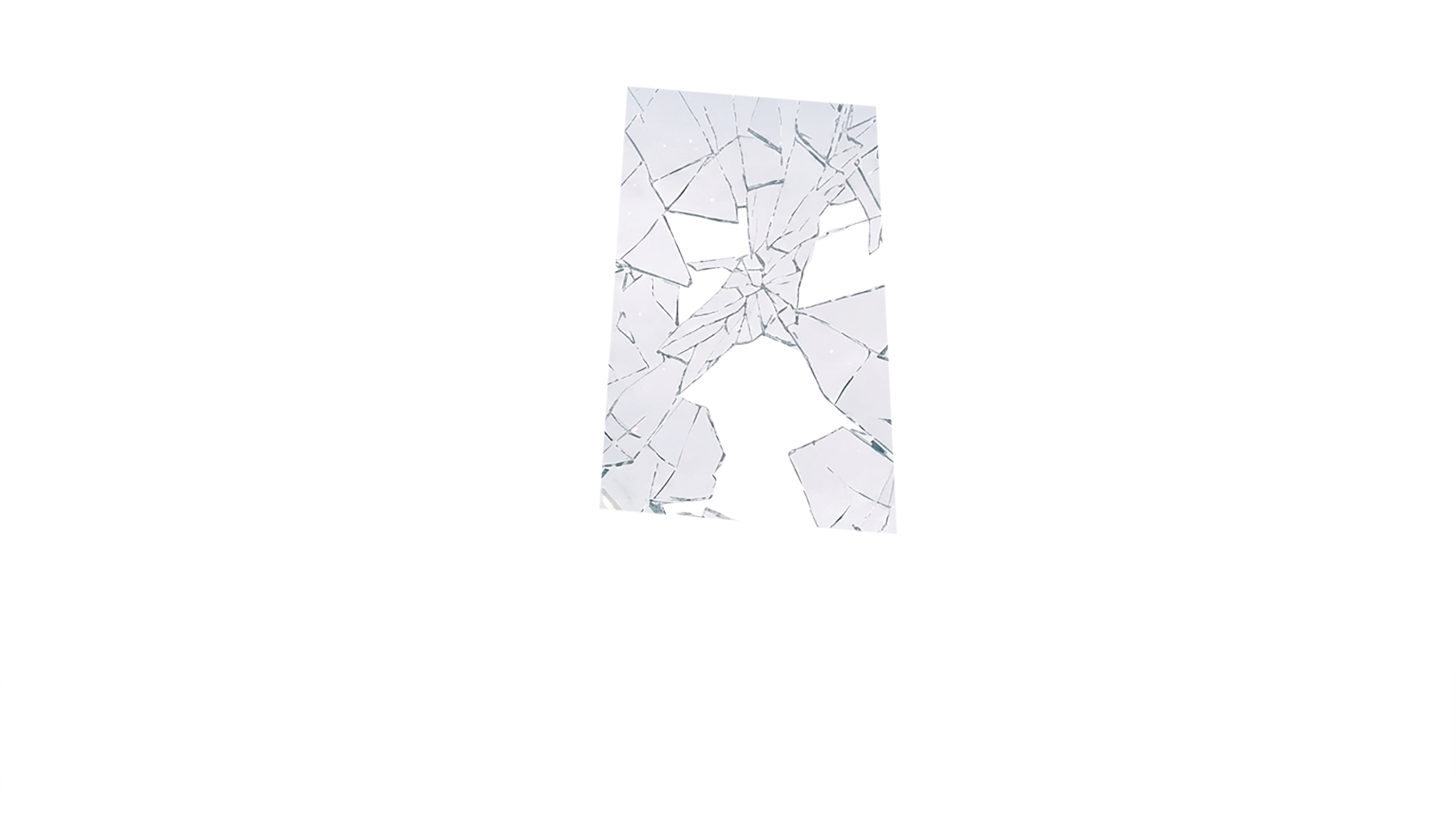
Glass-cover.png: glass sheet using mix-blend-mode: screen so highlights add on top of the back plate.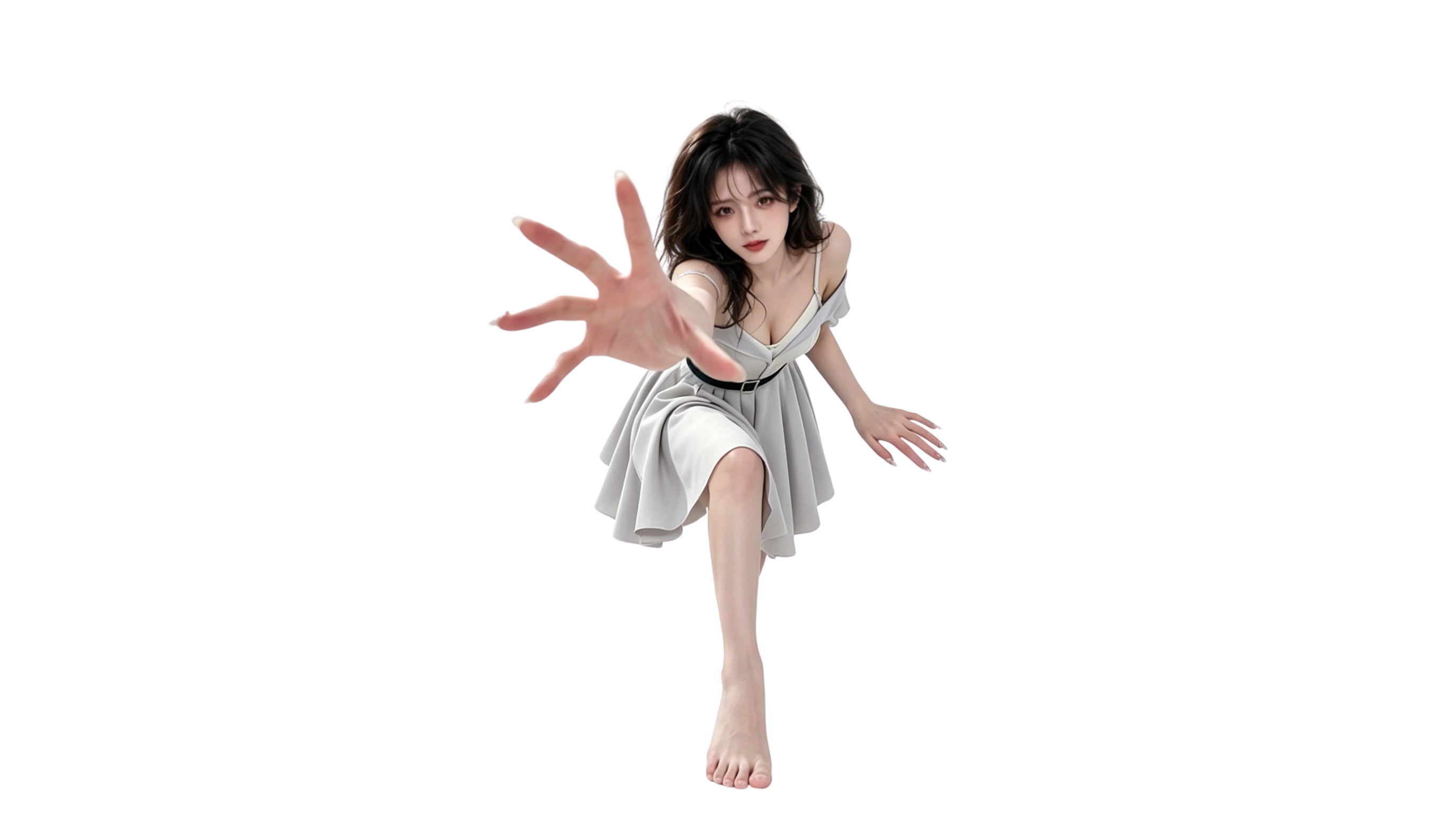
Penetrating-characters.png: character anchored to the bottom center (~80% width) so the “break the glass” read stays consistent.How the motion is calculated
On mousemove, the script normalizes pointer position to roughly −1…1 relative to the container center. Each frame it lerps the current offset toward the target (cx += (mx - cx) * 0.07) and applies translate(tx, ty) where tx = cx * amplitude * depth. With amplitude = 28 pixels at the container scale, the foreground character can travel about twice as far as the background plate—enough for a clear depth read without sliding off-canvas.
- No scroll hijacking — only layers inside the demo box react; the article page scrolls normally.
- Pointer-events: none on images so hit-testing stays on the container.
- Custom cursor hidden on leave — avoids leaving a stray dot when the pointer exits.
Source assets in the folder
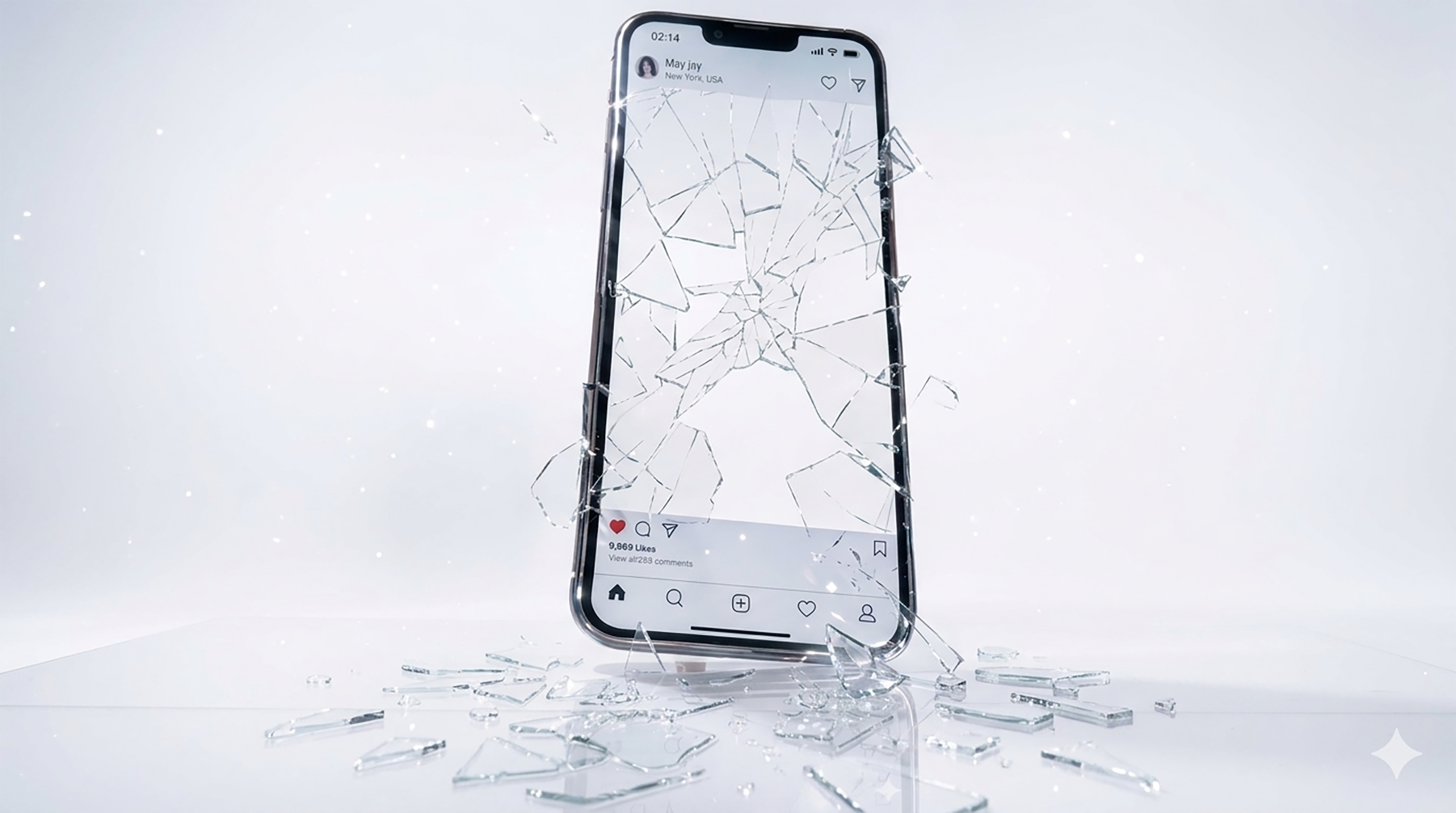
Besides the three layers used in the embed, original/travel-through/ also keeps alternate plates (phone.png, glass.png, person-bak.png, ren1.png) and a generative mood frame (Gemini_Generated_Image_khh2pdkhh2pdkhh2.png) from look-dev. I treat the repo folder as a small archive: filenames stay stable so this article, the iframe, and future edits all reference the same paths.

Why publish it as an article
Social posts lose context; a canonical URL with headings, alt text, and an embed gives crawlers and humans a single place to understand CSS parallax, layered PNG UI, and mouse smoothing. If you reuse the pattern, keep substantive copy outside the iframe (as here), lazy-load the embed, and document depth values so the next edit does not become guesswork.
Art export workflow (PSD → PNG)
I start in a layered PSD (phone.psd in the same folder) with the phone chassis, glass highlights, and character on separate groups. Export rules that kept me out of trouble: (1) export at 2× the display width of the embed so downscaling hides jaggies; (2) keep the character’s feet anchored to the bottom edge of its canvas so parallax does not “float” the figure; (3) leave generous transparent padding on the glass layer so mix-blend-mode: screen has headroom without clipping halos. When I iterate look-dev, I duplicate the PSD date-stamped rather than overwriting—ren1.png and the Gemini mood frame are forks I can revert to without breaking the live demo paths.
Performance and bundle size
Three PNGs plus one HTML file is intentionally tiny compared with a WebGL bundle. Total image weight for the embed is on the order of a few hundred kilobytes once compressed; the script is under two kilobytes minified. On listing pages I lazy-load the iframe so the home carousel does not pay decode cost until the reader scrolls near this article. Inside the demo, only one requestAnimationFrame loop runs while the pointer is inside the box; on mouseleave I ease offsets back toward zero so layers do not keep animating off-screen.
Browser checks I actually ran
Chrome and Edge on Windows: parallax and custom cursor behave as designed. Firefox: same, but I verified mix-blend-mode: screen on the glass layer still reads correctly against the warm back plate. Safari (iOS): touch scroll on the article works; parallax is mouse-first so I do not promise touch-drag depth on phones—readers still see a static composition, which is acceptable for this archive page. If I productize the pattern, I would add a matchMedia('(pointer: fine)') gate and show a short note when coarse pointers are detected.
How this differs from scroll-jacking parallax
Many marketing sites tie parallax to scroll position. Here depth is tied to pointer position inside a bounded frame, which keeps the rest of the article readable and avoids fighting the browser’s scroll physics. That choice also makes the demo embeddable in an iframe without hijacking parent scroll—a requirement for aogl.cn because articles sit inside a normal document flow with ads and language switchers above the fold on translated URLs.
Limits of this prototype
There is no reduced-motion fallback yet—consider prefers-reduced-motion: reduce to freeze layers. The scene is also not responsive-tested for very narrow viewports; for production you would likely swap to a static poster image under a breakpoint. This page records what shipped today, not a finished product microsite.