
This is a personal editorial I publish on aogl.cn to document one small side project: an experimental monkey-themed short. It is not a tutorial brand deal—just an honest trail of assets I actually used: a 16:9 storyboard sheet, nine numbered keyframes, a few generative image passes for look development, and a single MP4 master I cut together. Keeping the images, video, and text on one canonical URL helps search engines understand the topic cluster (storyboard, keyframes, short-form video, generative AI workflow) without splitting context across social posts.
16:9 storyboard sheet
The wide board below is my “map of beats”: composition and pacing before I lock individual stills. If you are building a similar portfolio page, always pair large visuals with a short paragraph like this one so crawlers still see substantive copy.
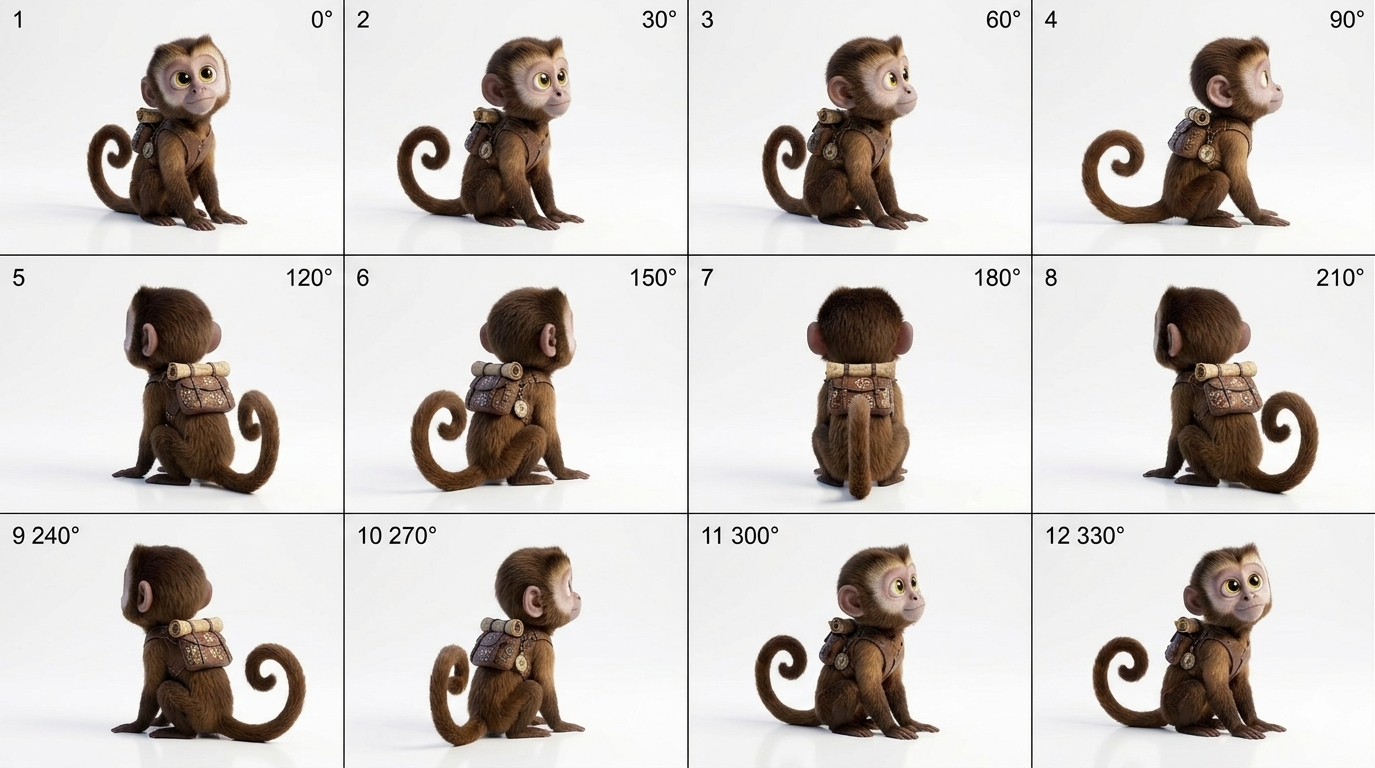
Keyframes 1–9
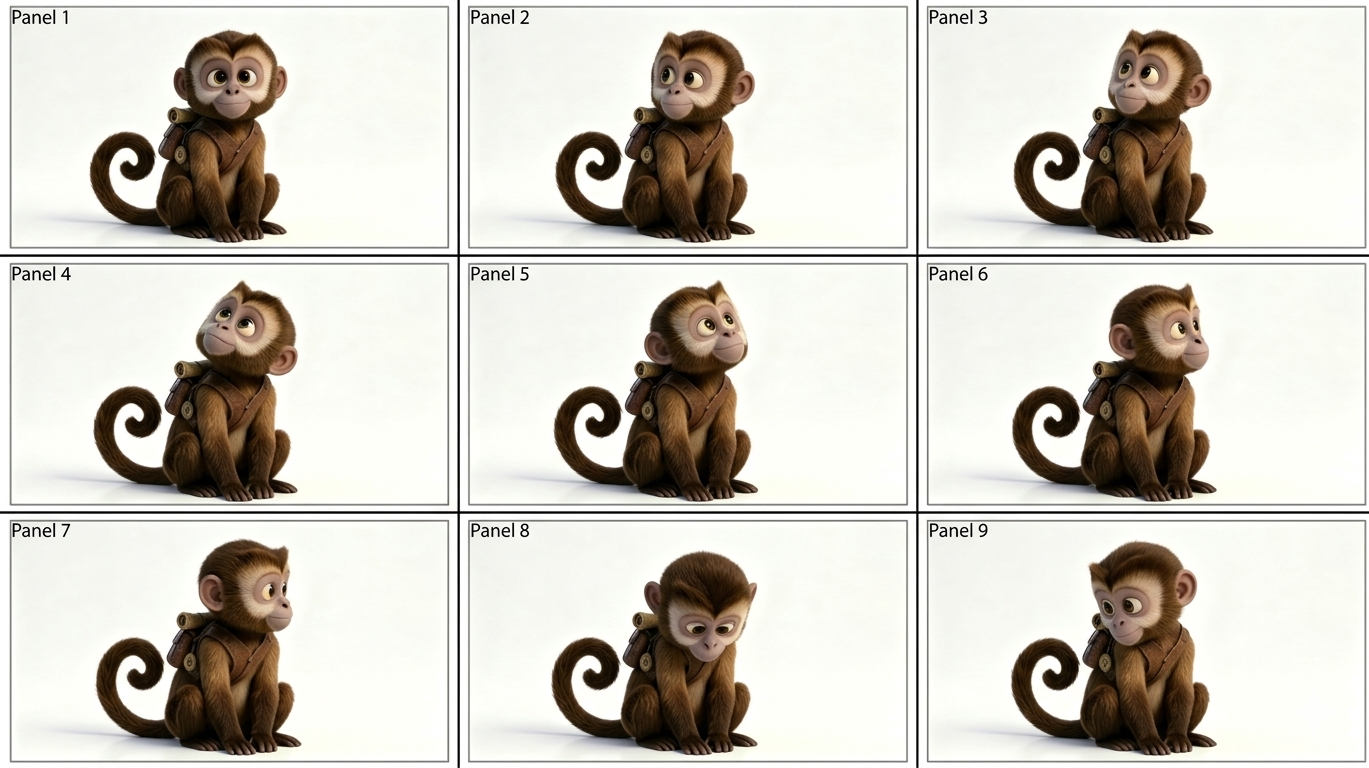
These nine PNGs are the numbered stills I treated as the spine of the edit—each file is a deliberate checkpoint (pose, eyeline, negative space) rather than random screenshots. Alt text calls out the shot index for accessibility and long-tail queries like “storyboard frame 3 monkey short”.
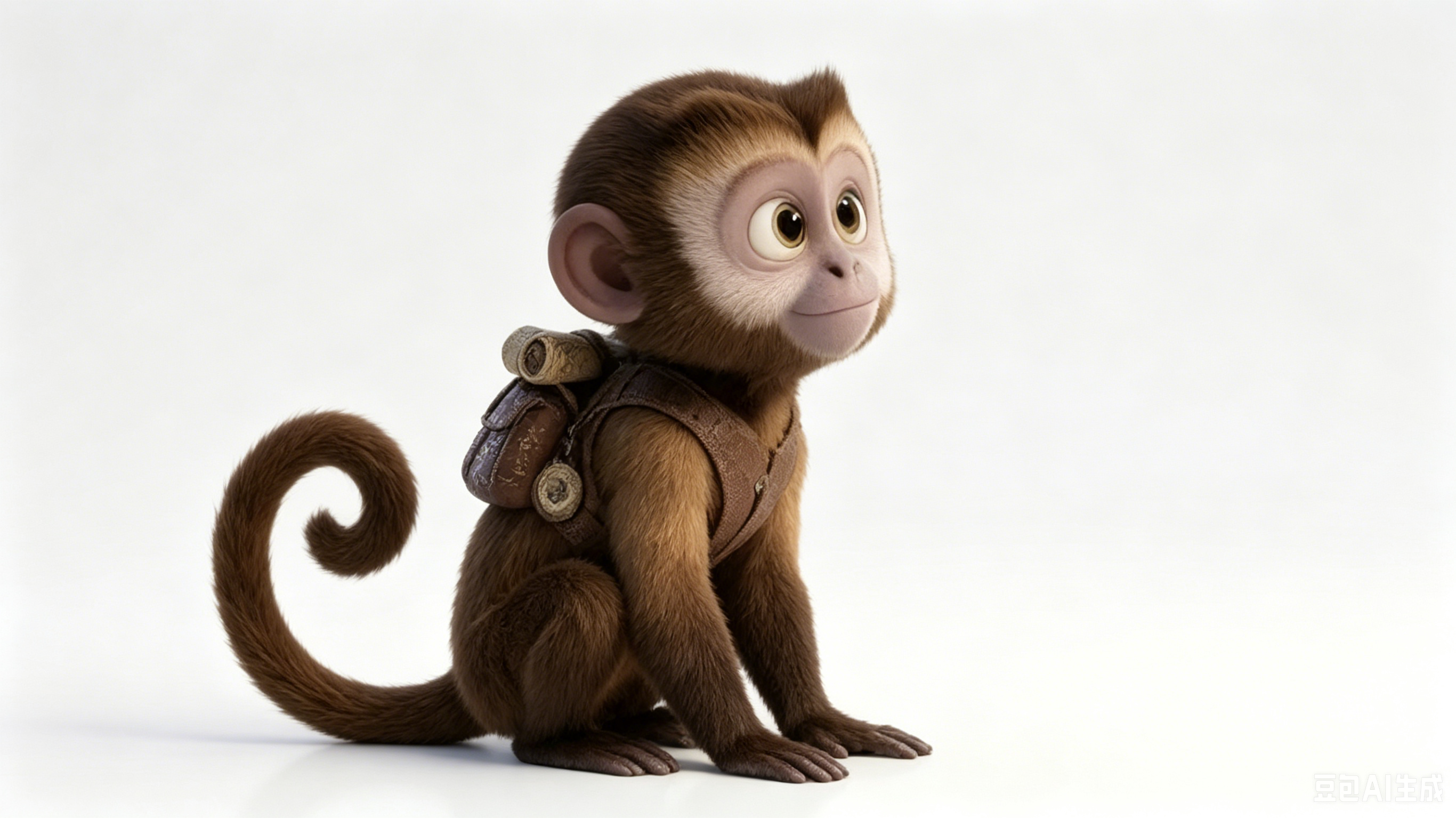
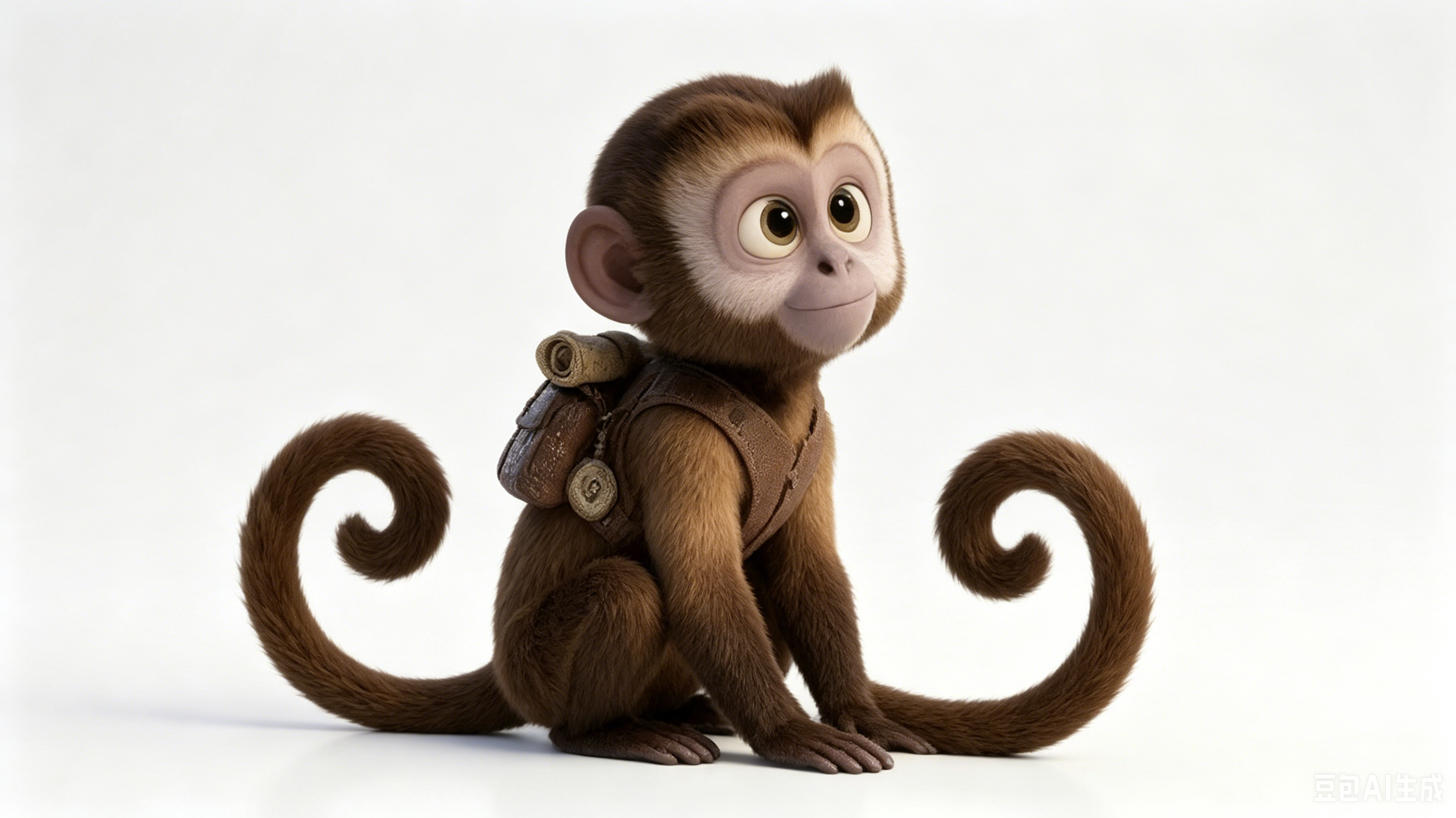
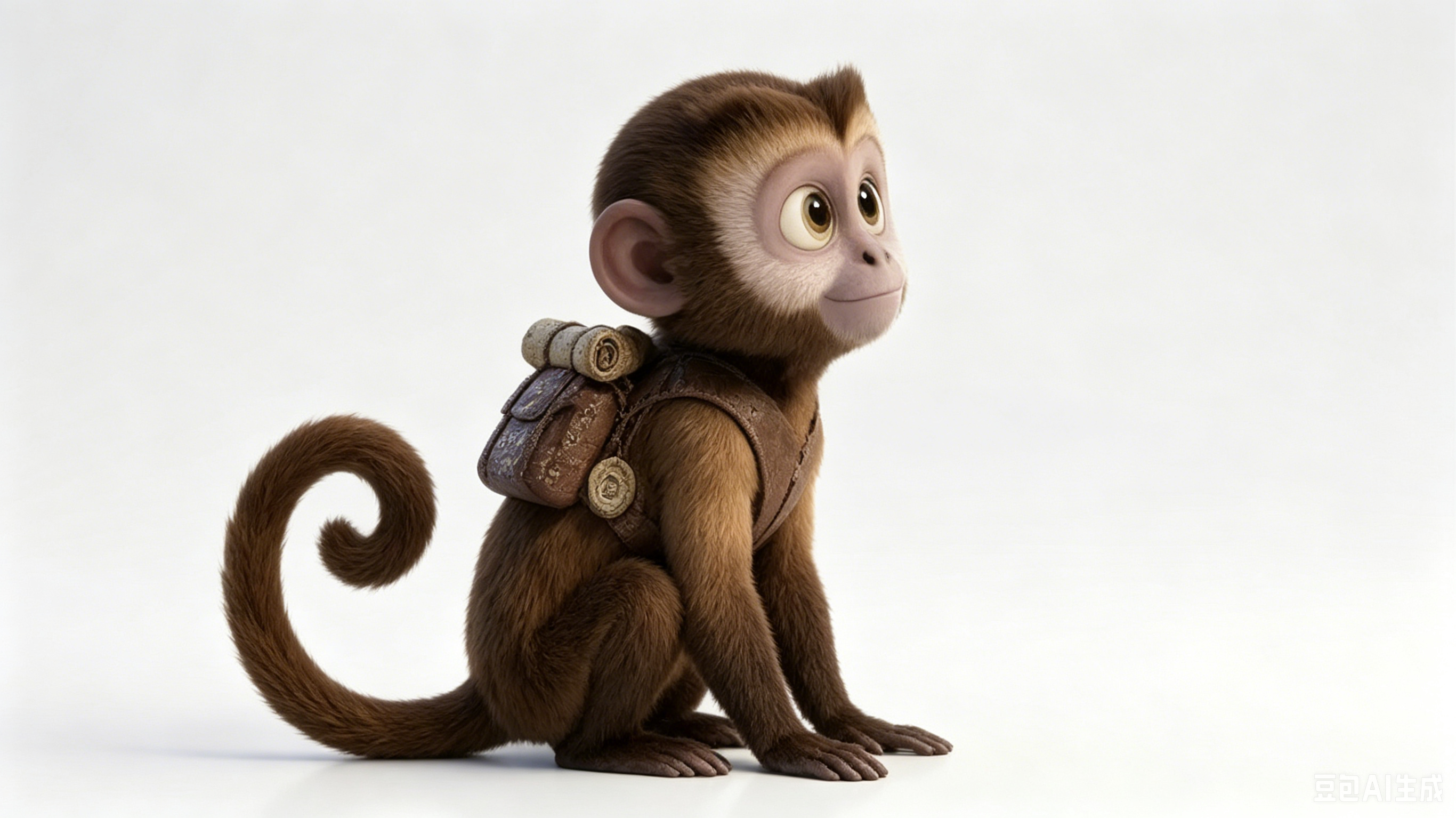
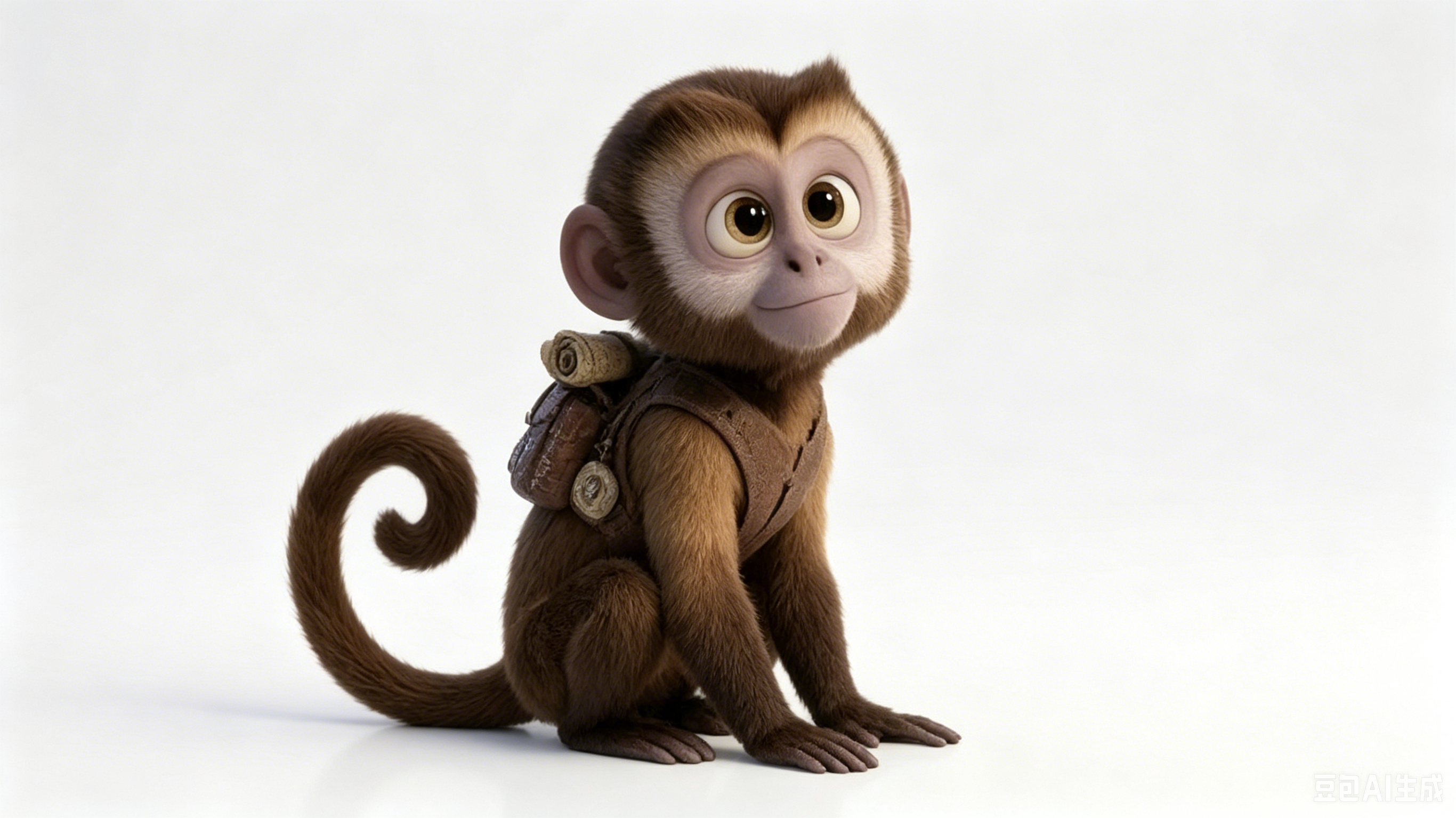
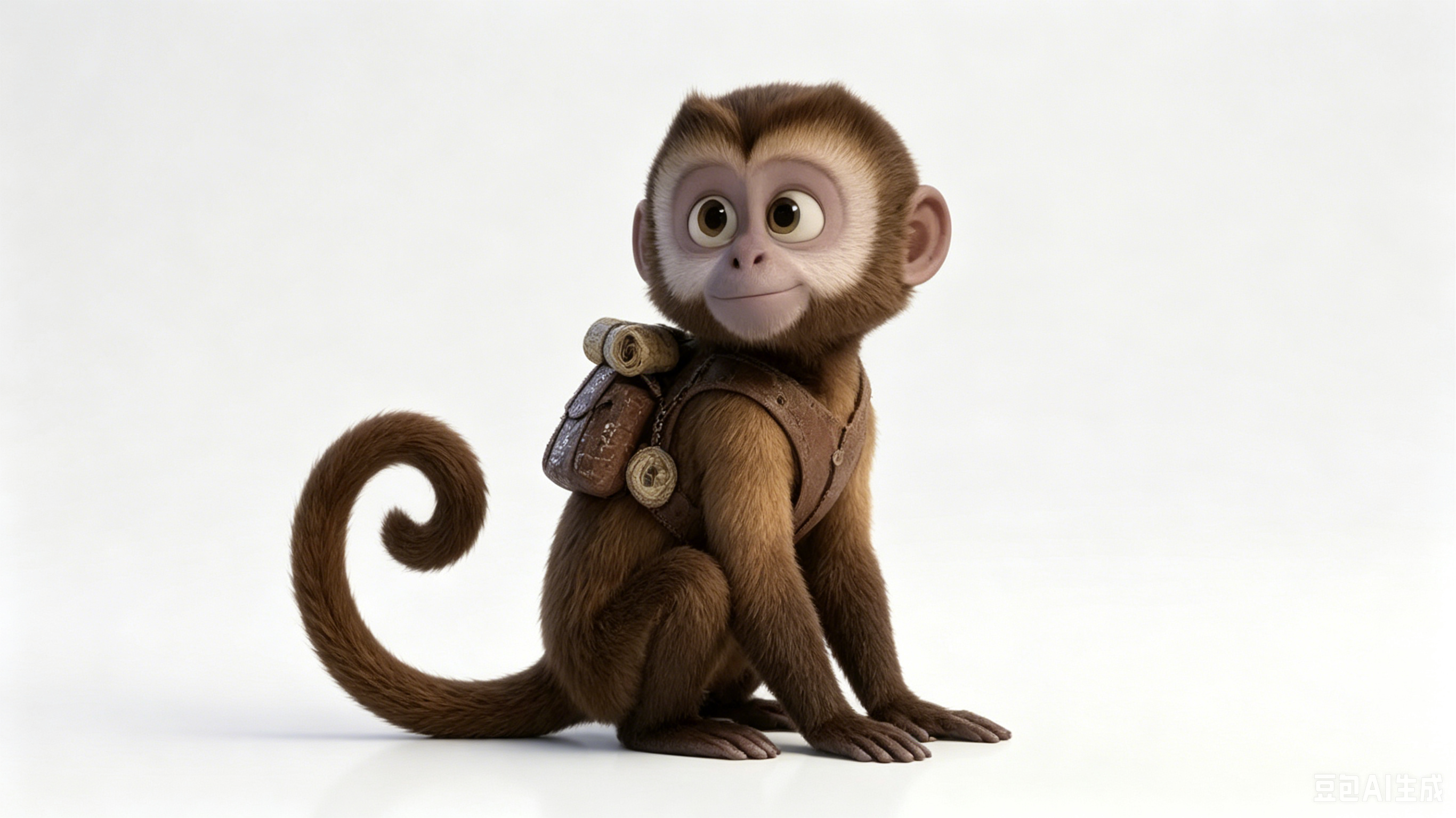

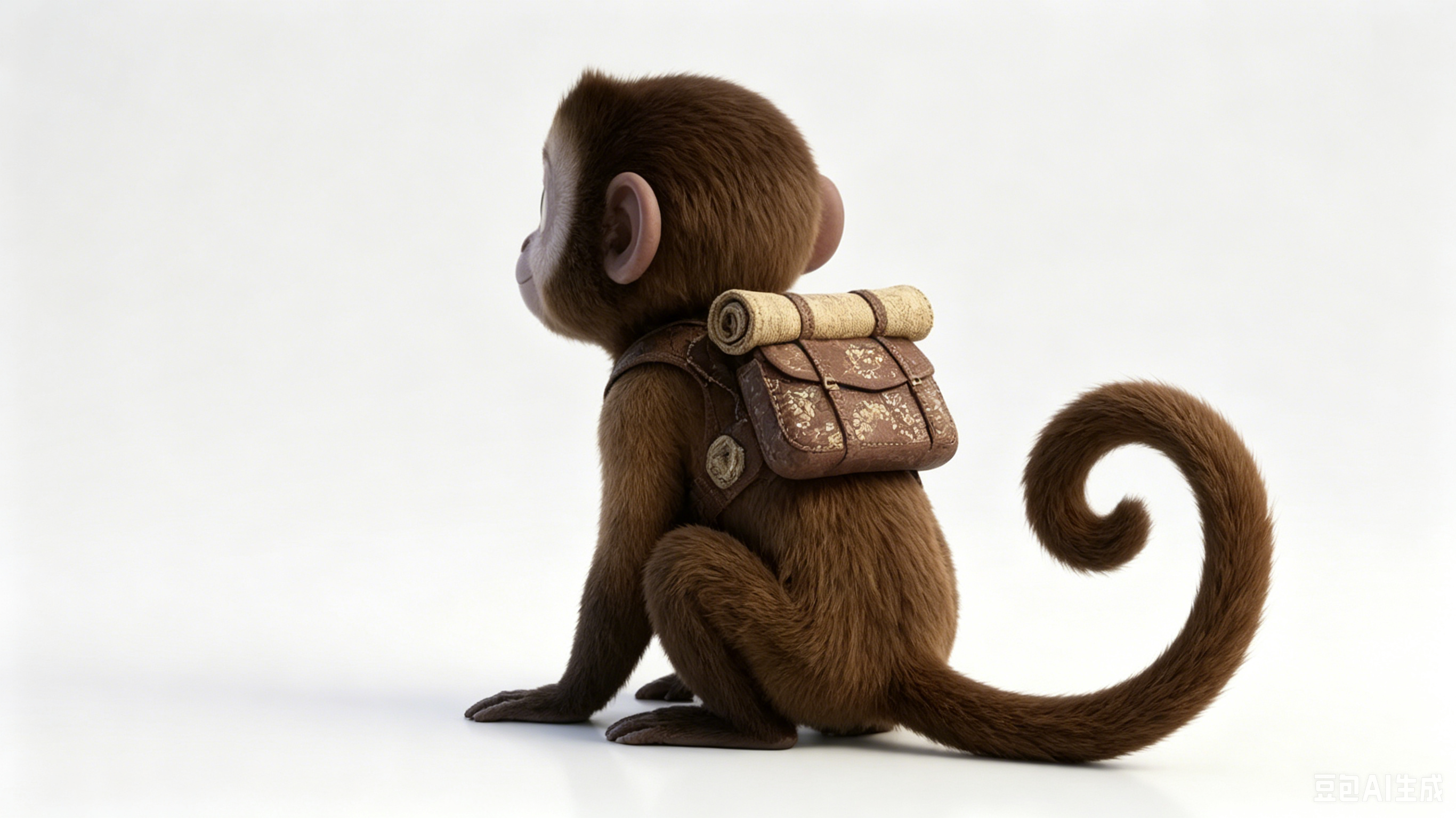
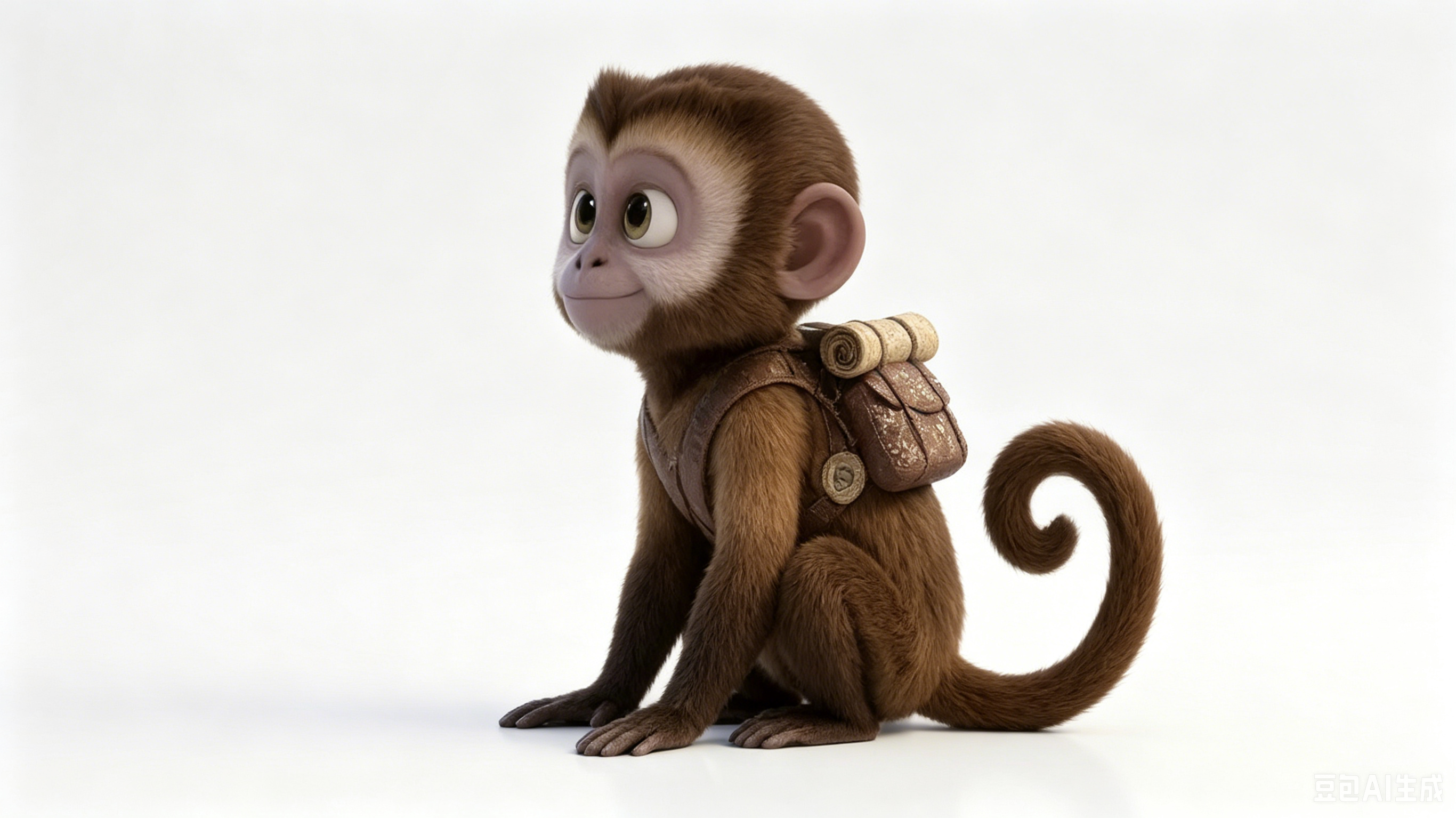

Generative look-dev passes
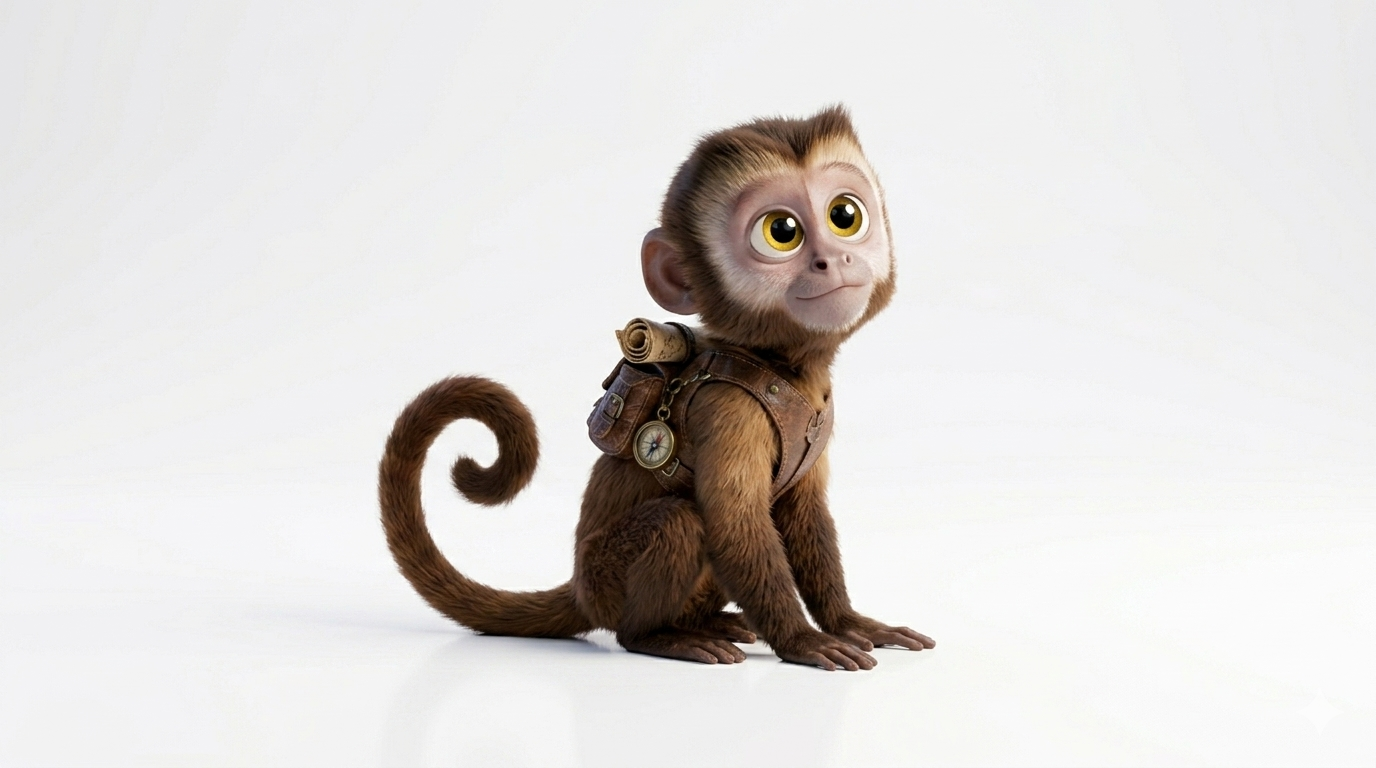
Beyond the 16:9 board file (Gemini_Generated_Image_7nr0x37nr0x37nr0.png) shown above, I used generative image tools for two more passes—palette and silhouette—stored alongside the keyframes in original/monkey/ so the folder stays a small, honest archive.
Final cut (MP4)
The clip below is the assembled timeline exported as monkey-v.mp4. Your browser must support H.264/AVC in MP4; if playback fails, download the file from the same directory and open it locally.
original/monkey/monkey-v.mp4 — edited from the keyframe spine above.Why I wrote this page
Social platforms bury provenance; a stable article URL with semantic headings, descriptive alt text, and a transcript-like narrative is easier to cite and ranks more predictably for people searching for “monkey storyboard mp4” or “personal AI short workflow”. If you mirror this pattern, reuse the same asset filenames and keep dates honest in structured data.
Beat map in plain language
Frames 1–3 establish scale and eyeline: small subject, big negative space, monkey notices something off-screen. Frames 4–6 are reaction and acceleration—posture lowers, hands come forward. Frames 7–9 pay off the gag and reset composition for a loopable end card. I cut monkey-v.mp4 to honor those beats even when intermediate generative stills looked prettier; beauty frames that did not move the story went to the “look-dev” pile below the key spine.
What I cut from the timeline
I removed two alternate endings (extra wide shots stored only on disk) because they repeated frame 5’s composition without new information. I also dropped a scratch audio track—this publish is visual-only so visitors are not surprised by sudden sound. Keeping the edit disciplined made the MP4 short enough to host on static GitHub Pages without a separate streaming stack.
Generative passes vs numbered keyframes
The three Gemini stills (Gemini_Generated_Image_*) explored palette and silhouette. None shipped verbatim in the final cut. The nine numbered PNGs are the contract: if a frame is not in that set, it is not canonical for the story. When I revisit the project, I will either replace a numbered still and re-export MP4, or leave the timeline alone—no silent swaps.
Production constraints I want documented
- Aspect ratio locked 16:9 early so the storyboard sheet and video share one canvas.
- Poster frame on the video element points at keyframe 5—mid-energy read without spoilers.
- All public assets live under
original/monkey/with stable names for deep links.
That discipline is the same reason the follow-up head-tracking sprite article exists separately: different experiment, different success criteria, both with their own write-ups.
Timeline editing in practice
I cut in a non-linear editor with the nine PNGs pinned as reference stills on a secondary track—never as the only source—so timing drift is visible. Hold lengths: frames 1–3 get longer holds (establishing), frames 4–6 shorter (motion), frames 7–9 medium (payoff). Total runtime stays under thirty seconds so the MP4 stays small enough for static hosting without a CDN transcode pipeline. If a beat needed an extra half-second, I extended the hold on the preceding keyframe rather than adding a tenth “bonus” still that would confuse the numbered spine.
File naming and git hygiene
Numbered keyframes use simple integers (1.png … 9.png). Generative look-dev files keep vendor prefixes (Gemini_Generated_Image_*) so I can grep them separately from authored art. The master video is always monkey-v.mp4; I do not version in the filename—git history is the version log. Poster on the video element points at frame 5 because it is mid-energy without spoiling the closing gag.
What I would not publish here
I keep draft audio, alternate aspect ratios, and client-style logo slates off the public folder. aogl.cn articles are maintainer-written archives, not a Behance clone with every WIP layer exposed. If a file does not help someone understand the shipped short, it stays local.
Hosting and playback notes
Static hosting means no adaptive bitrate ladder: one H.264 MP4, poster from keyframe 5, preload="metadata" so mobile browsers do not fetch the whole clip on first paint. When I re-export monkey-v.mp4 I keep the same filename and bump the article dateModified instead of inventing monkey-v2.mp4—deep links and figcaptions stay valid. Offline draft stills such as femn.png remain in original/monkey/ for my eyes only and are never linked from this fragment.
How this page stays useful after the gag ages
The joke may date; the production contract should not. Future-me (or a reviewer) can still open the numbered spine, the look-dev pile, and the master MP4 and reconstruct why the cut looks the way it does. That reconstructability is the editorial product—more than any single viral frame.