
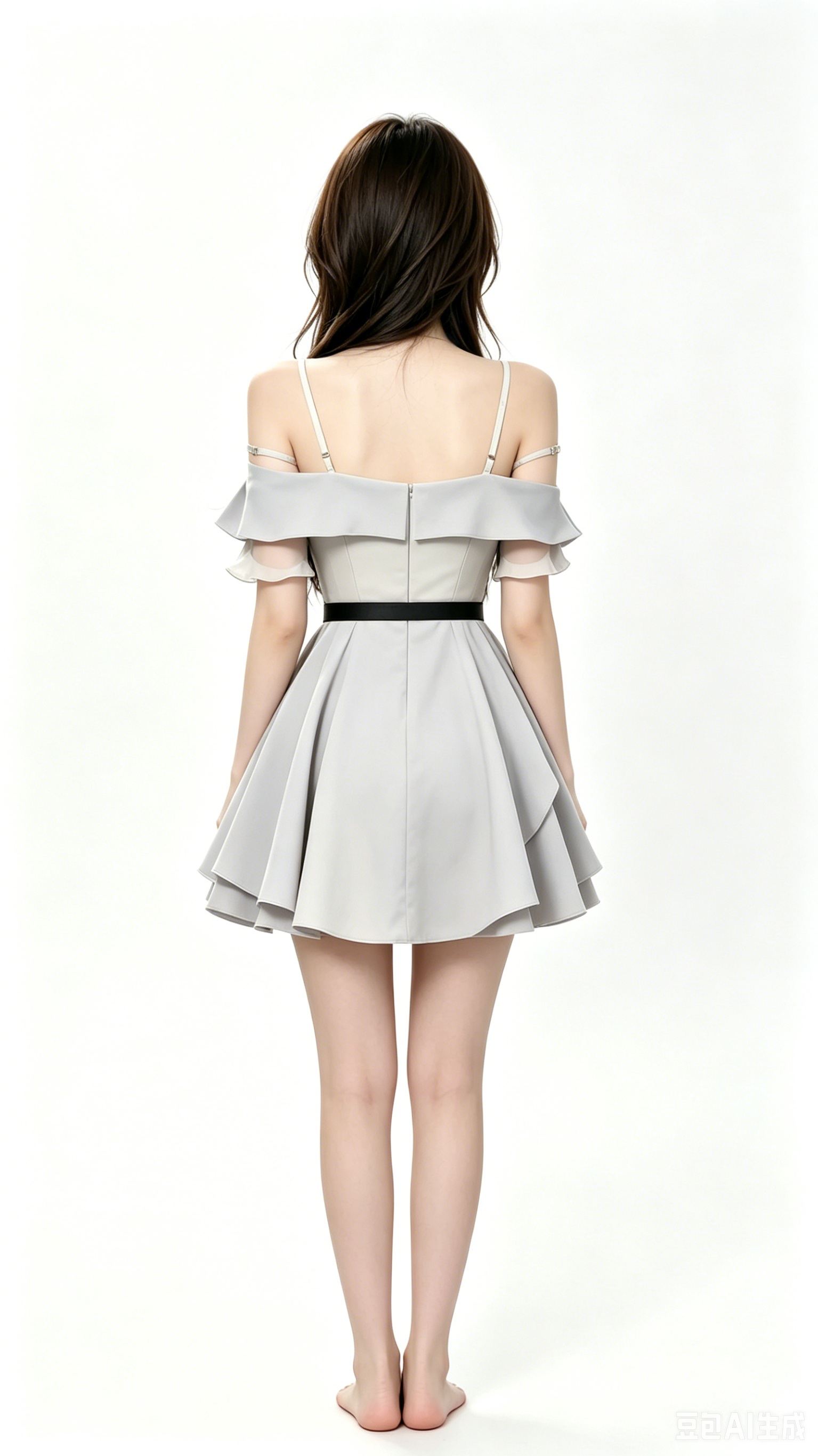
This character design archive on aogl.cn documents one pipeline I actually iterate on: orthographic turnaround (front / left / back / right), numbered exploration sheets, a full walk-cycle strip, an interactive walk controller in the browser, and several MP4 motion tests. I also keep two generative anchor frames in the same folder so image search and social previews can still find a coherent visual identity.
Orthographic turnaround (four views)
Four PNGs lock silhouette and costume reads without perspective drift—useful keywords for SEO include character turnaround, orthographic sheet, model sheet.



Exploration sheets (character0–6)
These seven stills are pose and proportion checkpoints before committing to animation. Naming them character0.png … character6.png keeps filenames stable for CDNs and git diffs.







Interactive walk demo (walk.html)
Below is an embedded page that plays the walk clip on a canvas and maps ← → / A D to direction—good for portfolios and for crawlers when paired with this explanatory copy.
original/character/walk.html (uses walk-video.mp4 as source).Walk-cycle stills (walk1–walk9)
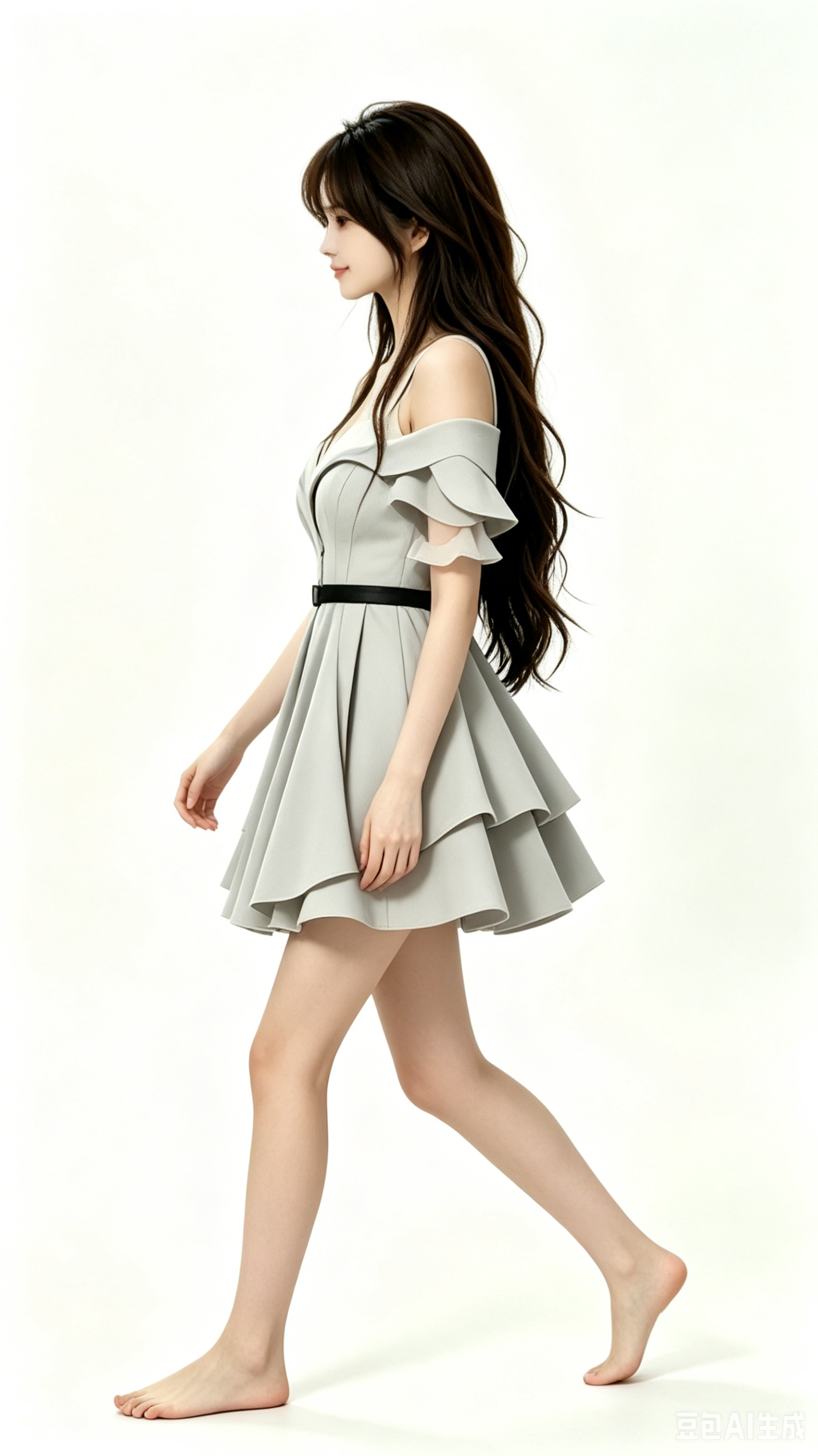
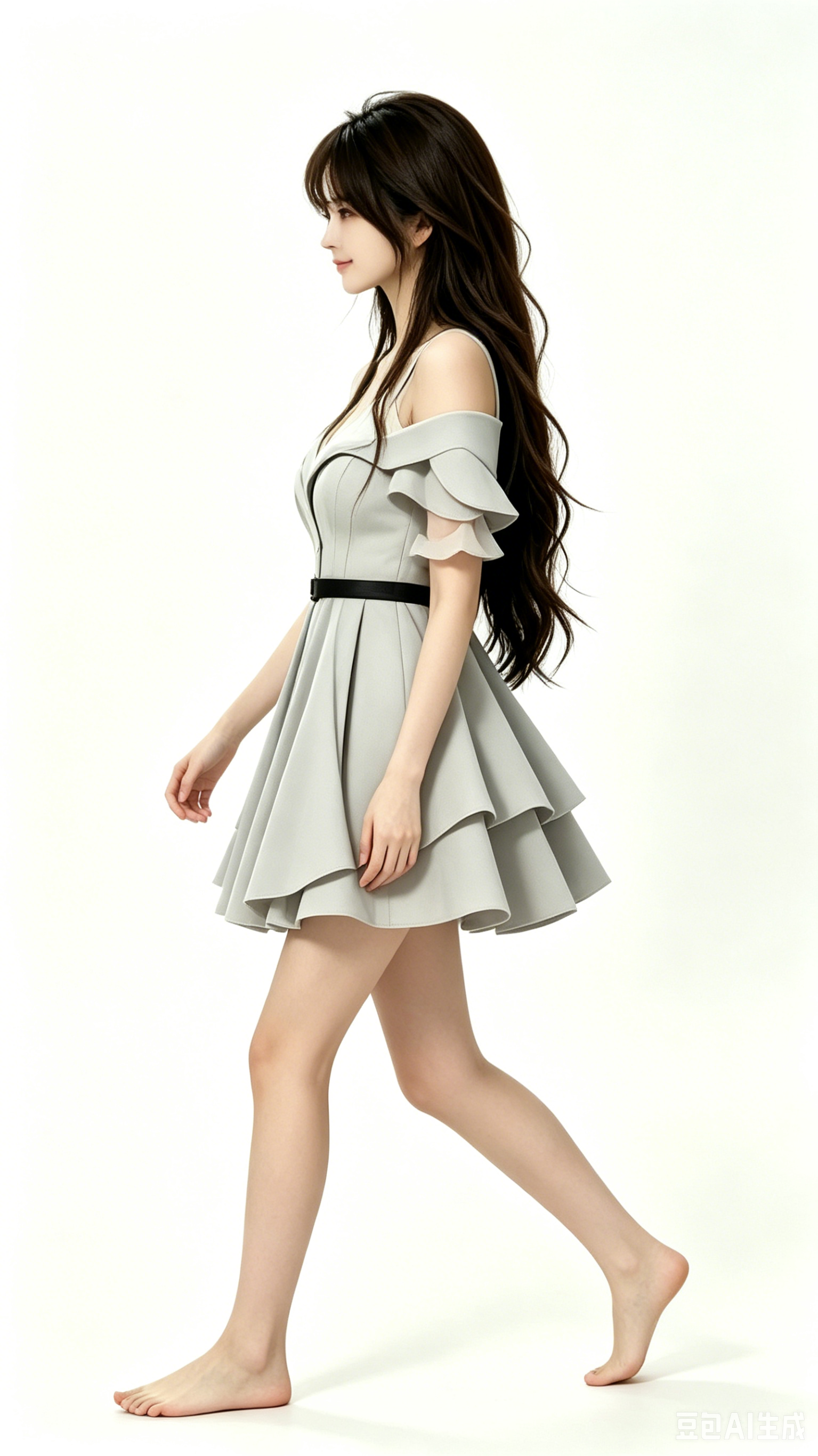
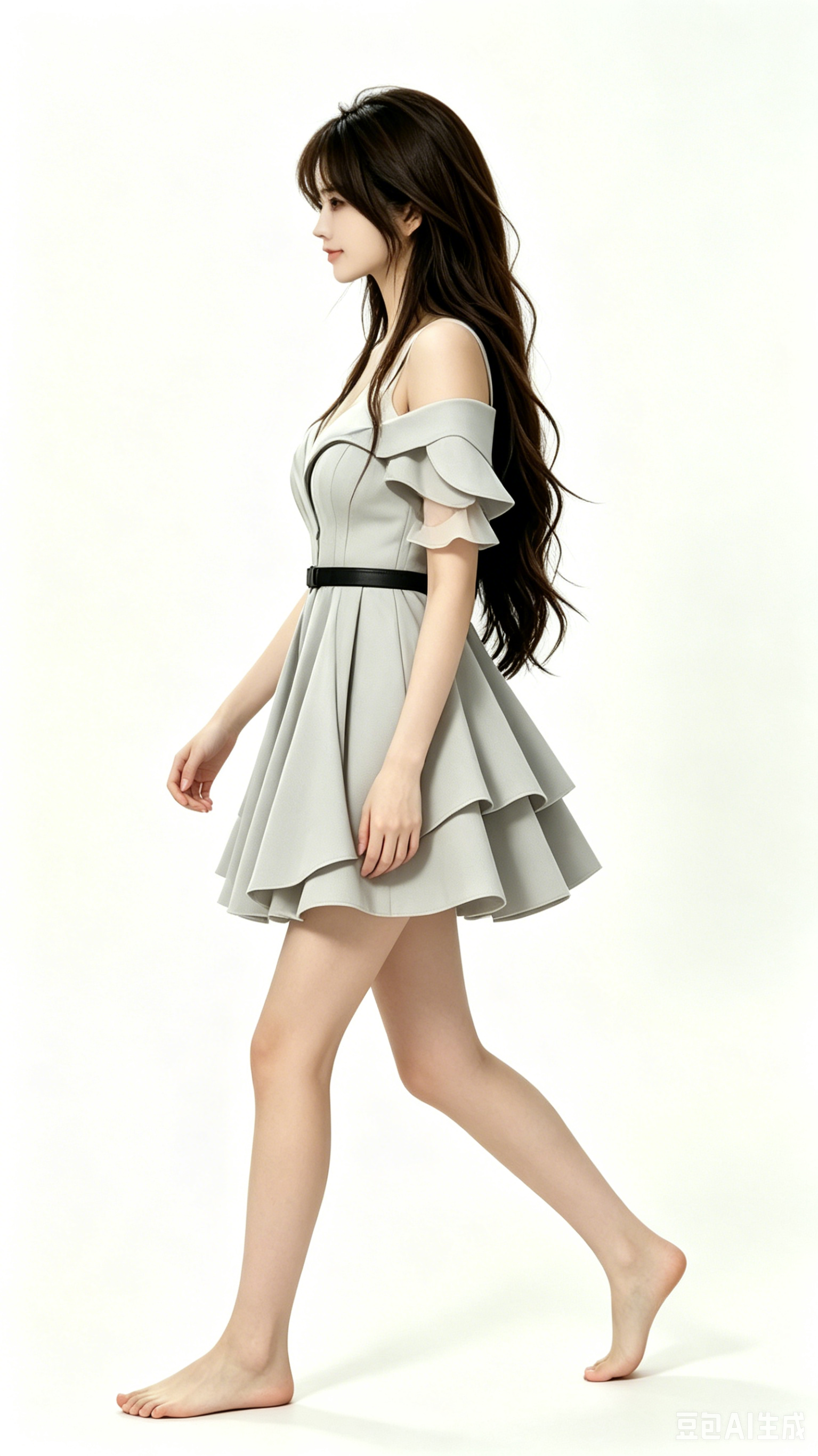
Nine frames read as a classic contact / pass / stride breakdown. Alt text uses the frame index to support accessibility and long-tail queries like “walk cycle frame 5 character”.

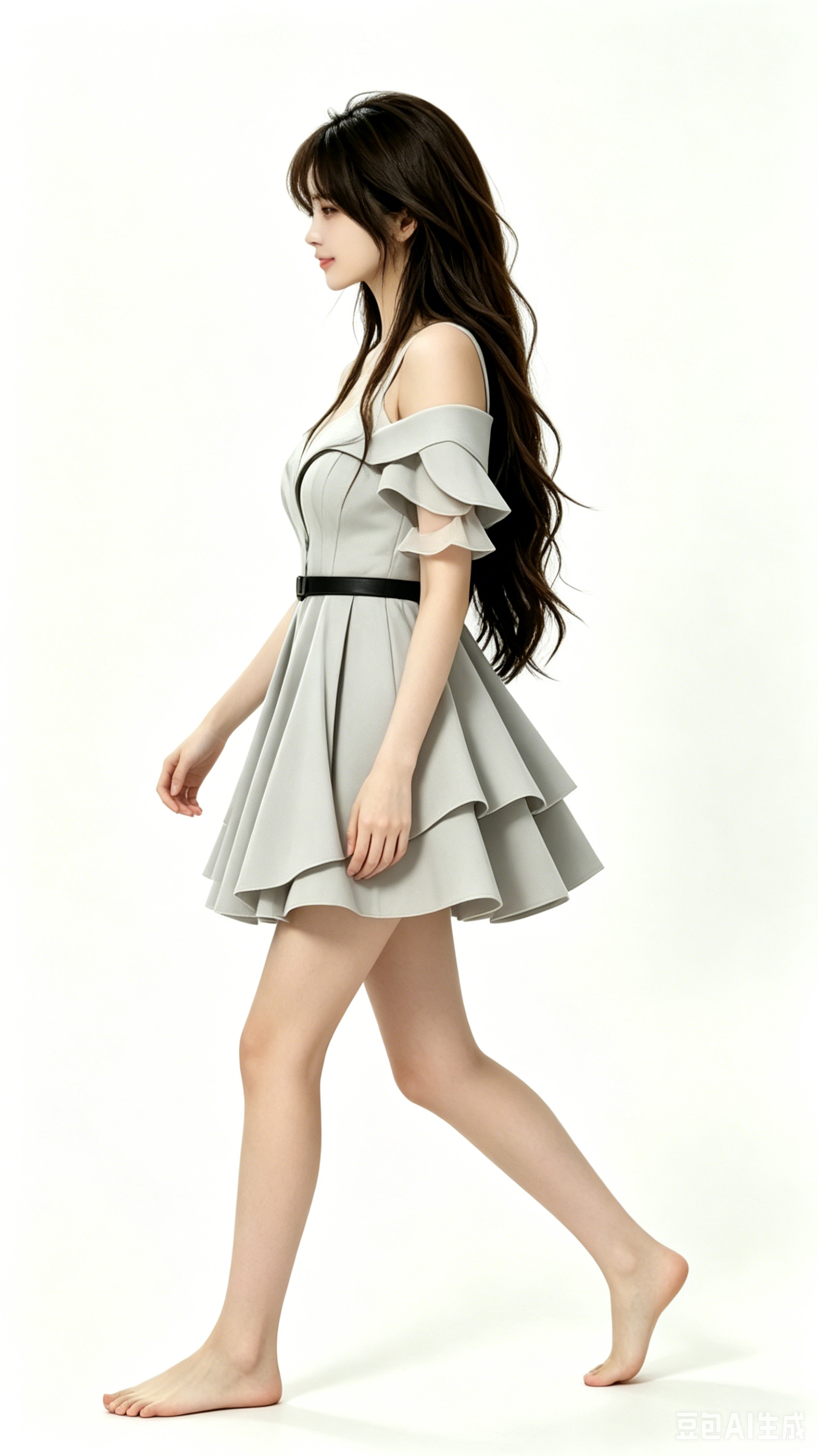
Turnaround motion clips
MP4 masters in original/character/ cover a 3D-style spin read and extra character motion passes. H.264 playback depends on the browser; download locally if needed.
turn_around-v.mp4 — rotation / presentation pass.walk-video.mp4 — reference for the canvas demo above.character-video1.mp4 — additional motion study.Generative anchor frames
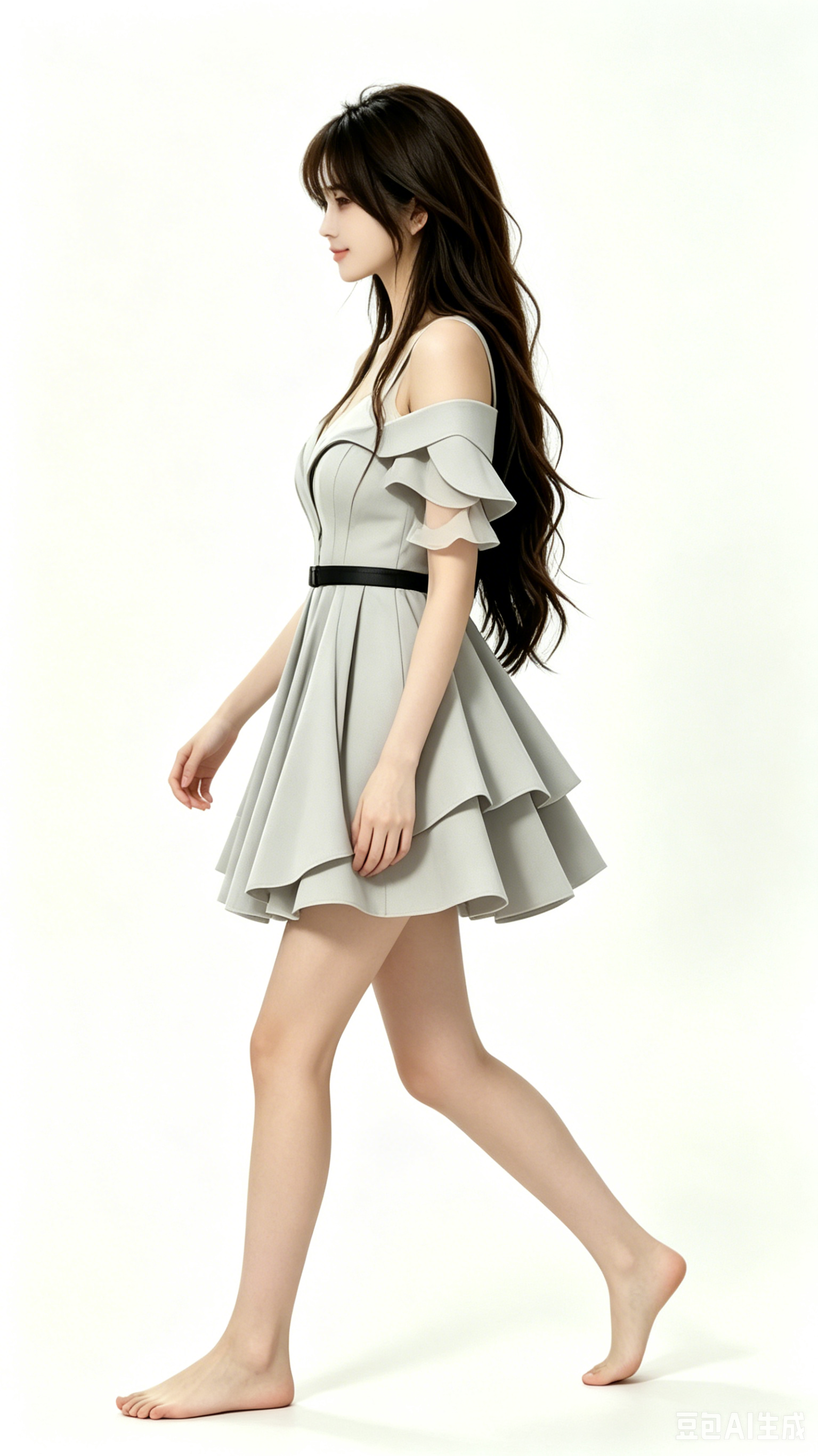
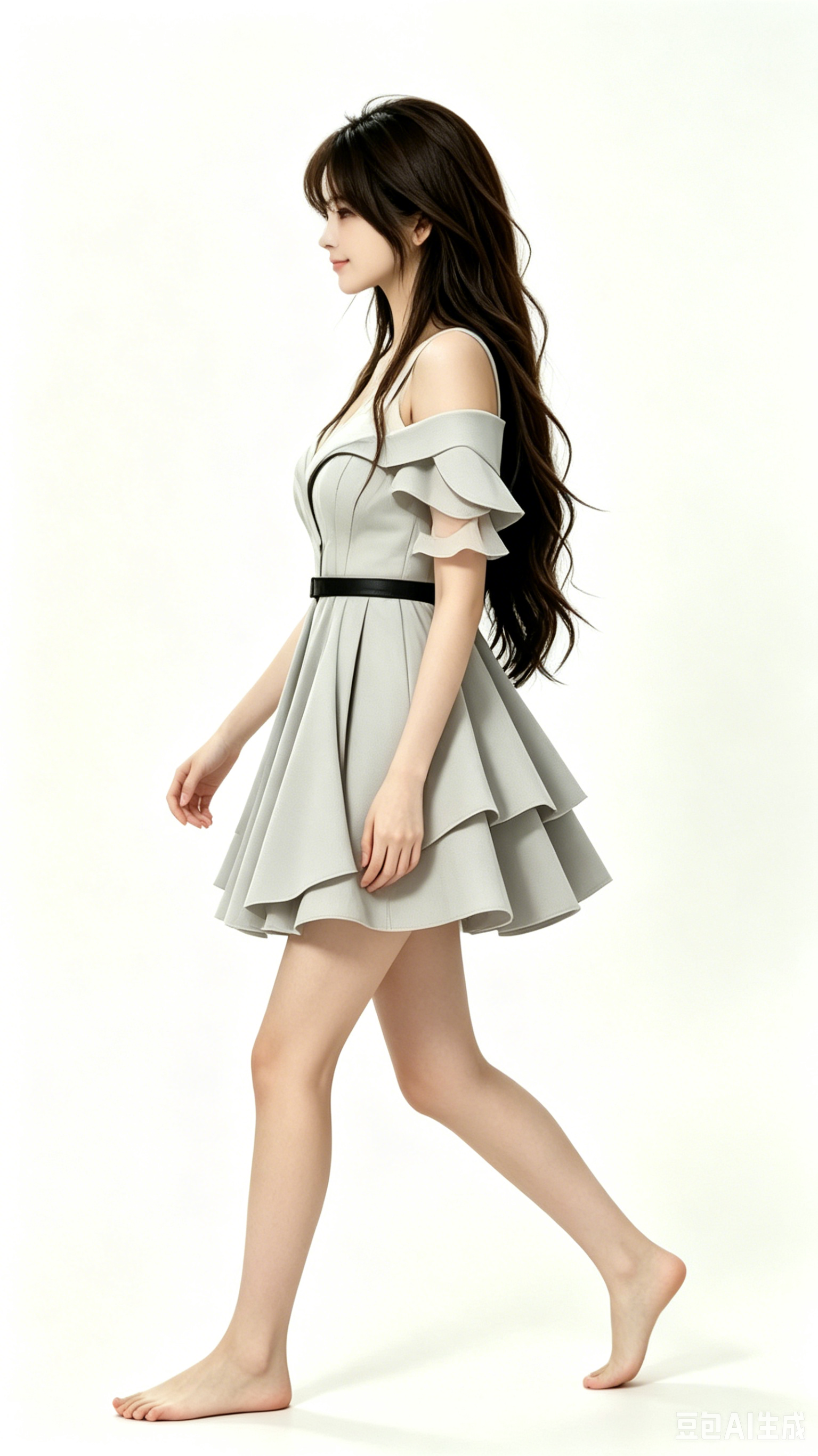
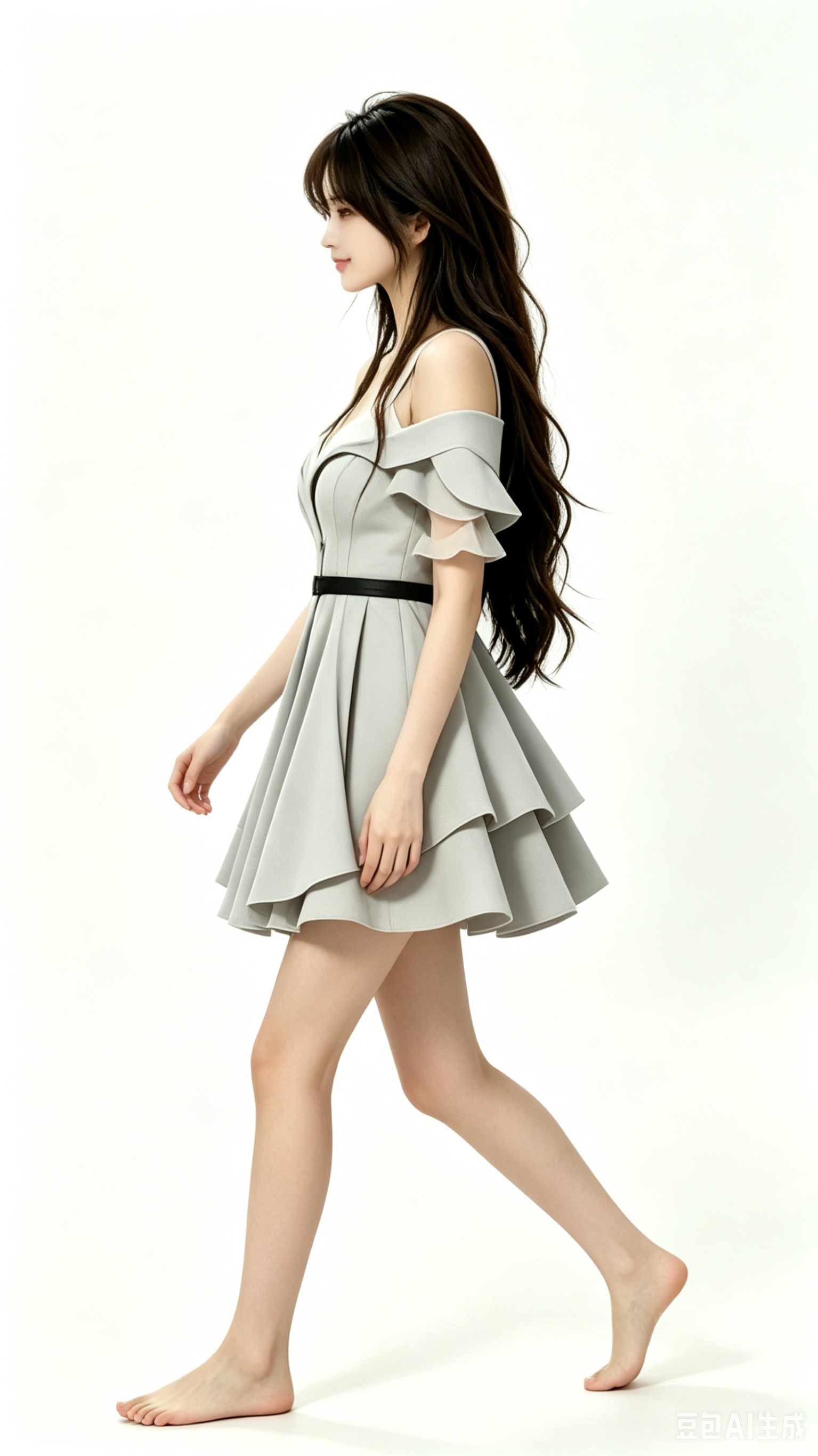
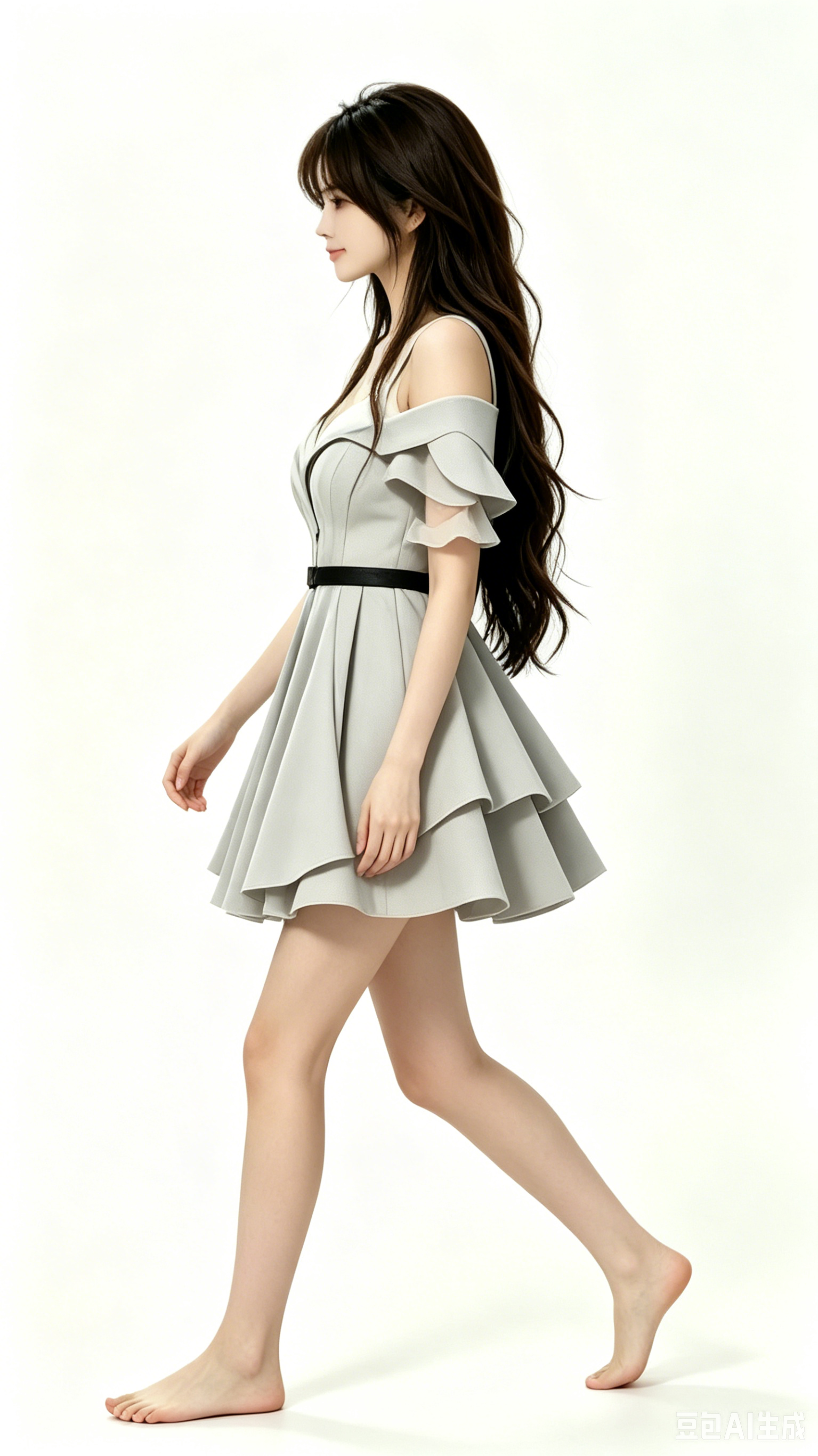
Two Gemini exports sit beside the hand-authored sheets as look-dev anchors; they help external search map this page to queries around AI character design without replacing the authored turnaround.


Extra passes on disk
Additional PNG passes (e.g. turn_around3.png, turn_around4.png, character-video2.mp4 / character-video3.mp4, and numbered “生成图片” exports) live in the same directory for offline review; this article focuses on the clearest teaching path for humans and search engines.
How I actually work through this folder
I do not jump straight to animation. The order that saved me time on this character was: lock orthographic turnaround (front/left/back/right) → run seven exploration stills (character0–6) to settle proportions → export nine walk keys → only then record walk-video.mp4 and wire walk.html. When a pose looked wrong in motion, I fixed the still sheet first; re-painting inside the video tool always cost more iterations.
What failed before the walk embed worked
Early walk.html prototypes mapped arrow keys to time scrubbing on a long MP4. That felt mushy—frames between contacts blurred together. Switching to discrete frame indices tied to walk1.png–walk9.png made left/right reads crisp again. I also tried mirroring the sprite in CSS; costume asymmetry broke, so direction changes now swap the source frame index instead of flipping pixels.
Generative anchors vs authored sheets
The two Gemini PNGs at the bottom are mood boards, not replacements for the turnaround. I keep them in git so I remember the lighting I liked on day one, but shipping decisions (hem length, shoe height, hair volume) always reference the orthographic quartet. If you are auditing this site for originality, compare the hand-numbered exploration grid to the generative stills—you should see deliberate drift toward the turnaround, not copy-paste.
Review checklist I use before publishing
- All four orthographic views share the same head height and foot plant line.
- Walk cycle contacts (frames 1 and 5) align vertically in a quick flip-book test.
- Embedded
walk.htmlloads without autoplay audio (there is none) and respects reduced motion where possible. - MP4 masters have posters so mobile users see a still before decoding video.
That checklist is why this article exists as a long HTML page instead of a folder dump: reviewers and future-me both need the “why kept / why cut” story, not only assets.
If you fork this pipeline, start by publishing the four orthographic PNGs plus one walk cycle strip before you upload any MP4—static proof of rigor ranks better than a single autoplay clip with no context.
Orthographic camera setup
I render turnaround views with a parallel projection (no perspective foreshortening) so hem lines and shoulder width match across front, left, back, and right. The Chinese filenames (正面1.png, etc.) mirror the order I use in design reviews: front first, then left profile, back, right. When I export exploration sheets character0–6, I reuse the same camera distance so scale drift is obvious—if the head grows by even a few pixels, the sheet fails the checklist below.
Walk cycle timing notes
Nine frames imply an odd count contact/pass layout: frames 1 and 5 are contacts, 3 and 7 are passing positions. I flip-book test by toggling between 1 and 5 in the OS image viewer before encoding video. The canvas demo does not interpolate between PNGs—it snaps indices—because interpolation blurred shoe contact on early prototypes.
Scope boundary for this URL
character-video2.mp4 and extra turnaround PNGs on disk are experiments that did not change the published teaching path. I mention them once so nobody assumes the repo is incomplete; I do not embed every MP4 because that would dilute the article’s focus on turnaround + walk discipline.